
1980s Photo Prompt for an Authentic Retro Portrait
Turn a modern portrait into a believable 1980s street, studio, disco, or family-album image with feathered hair, period fashion, direct flash, warm film color, fine grain, and a recognizable face.
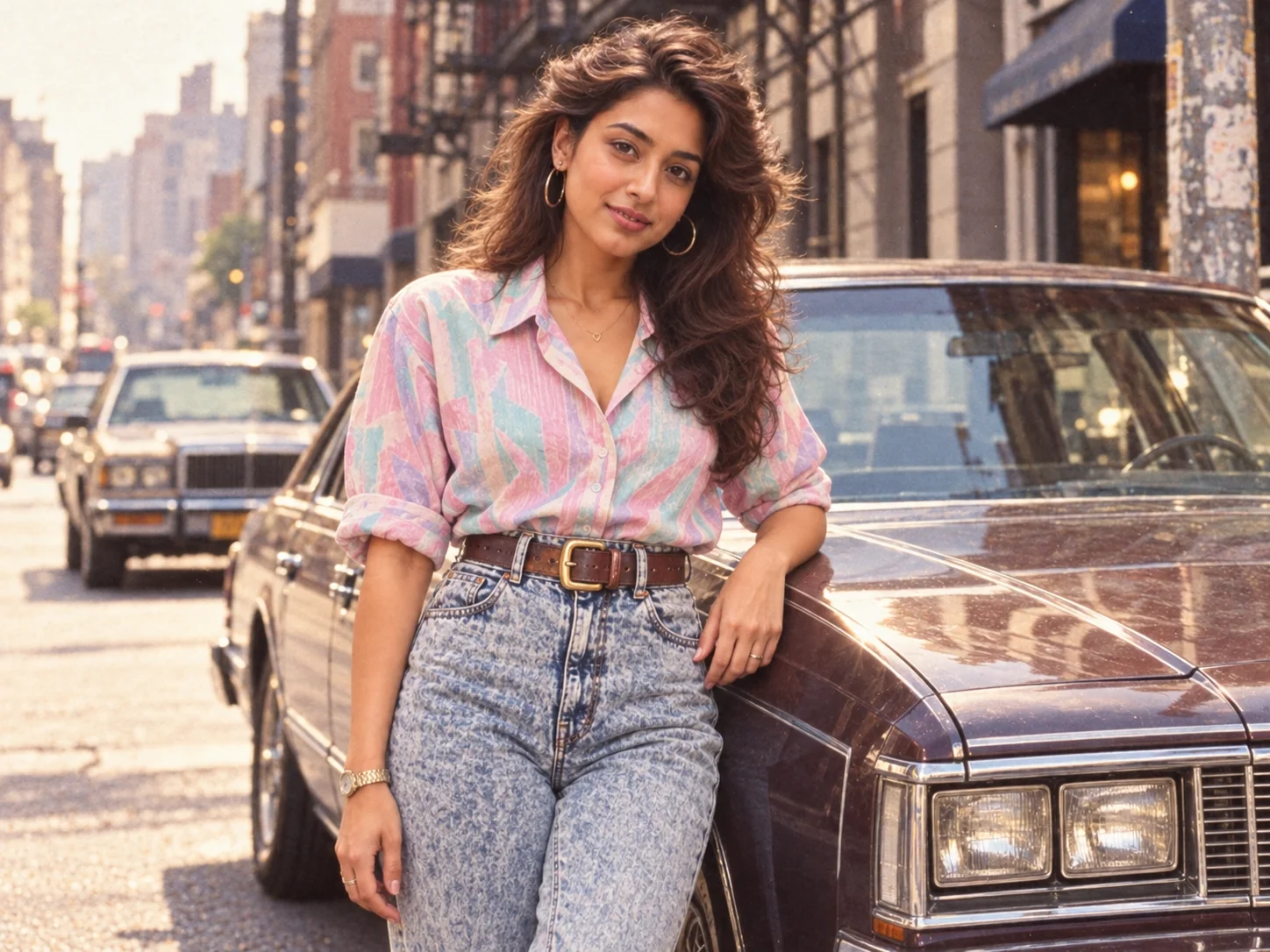
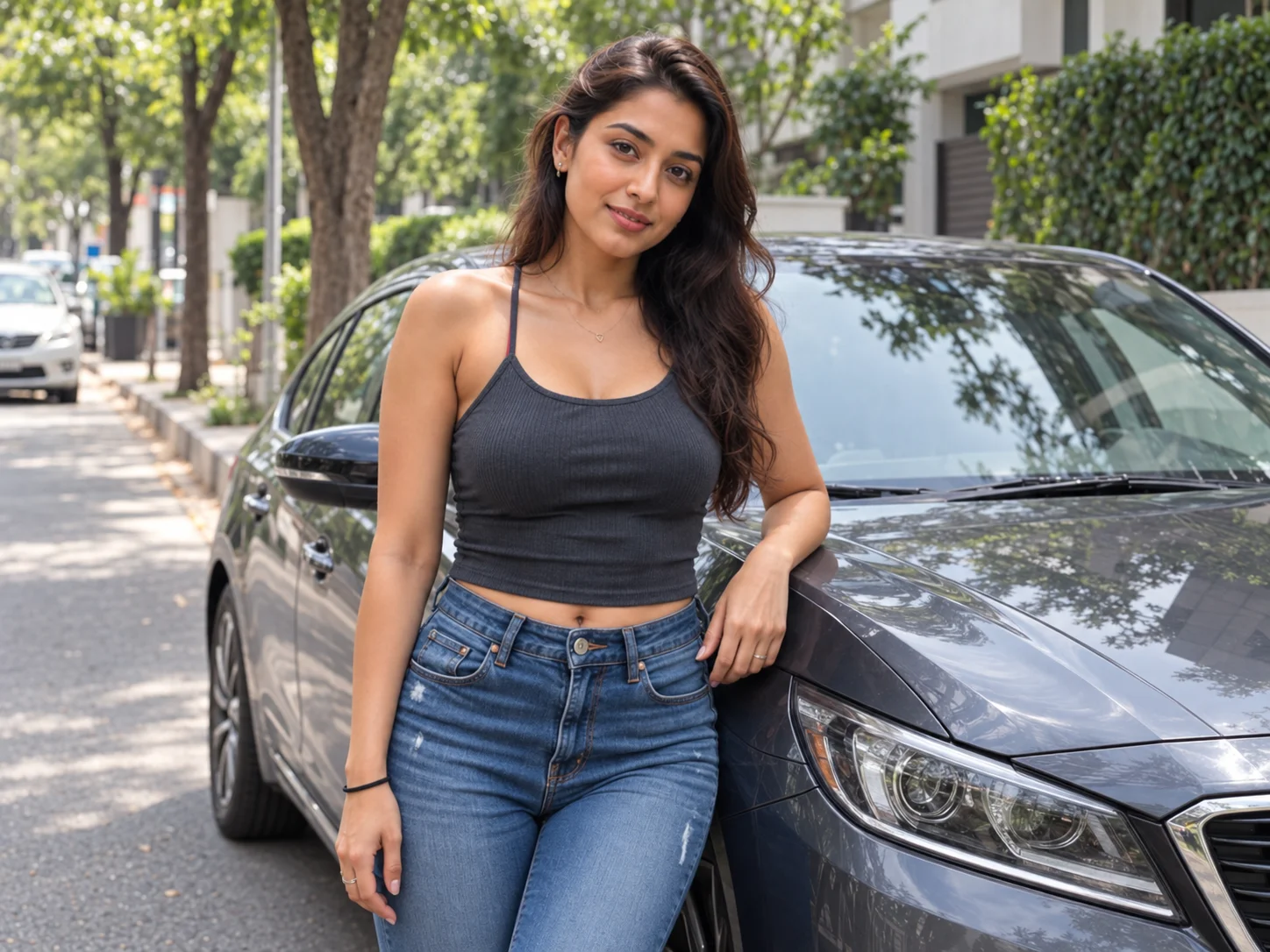
80s Trend Prompt
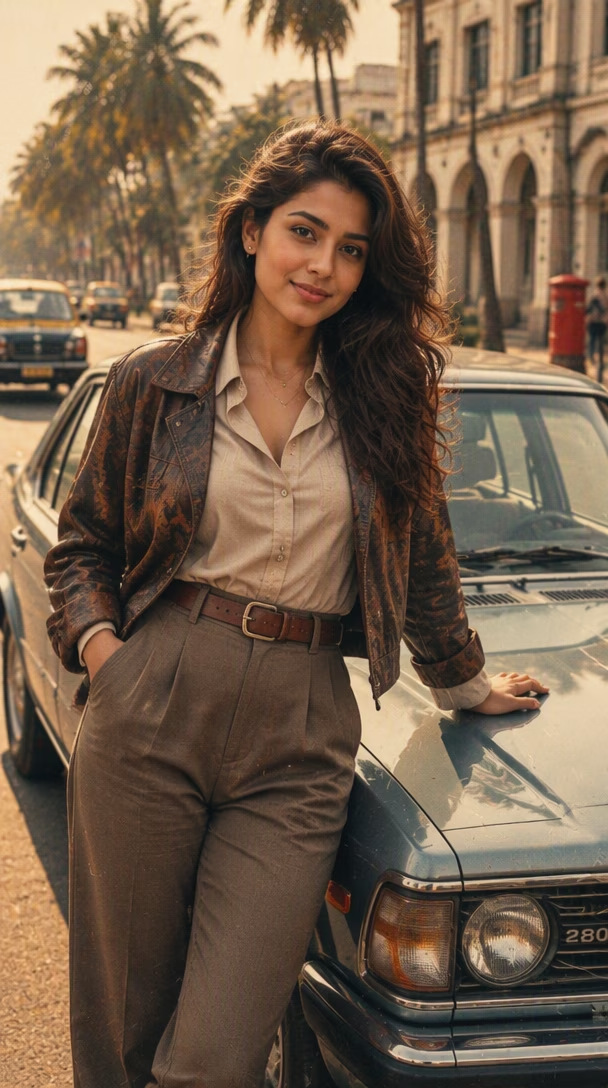
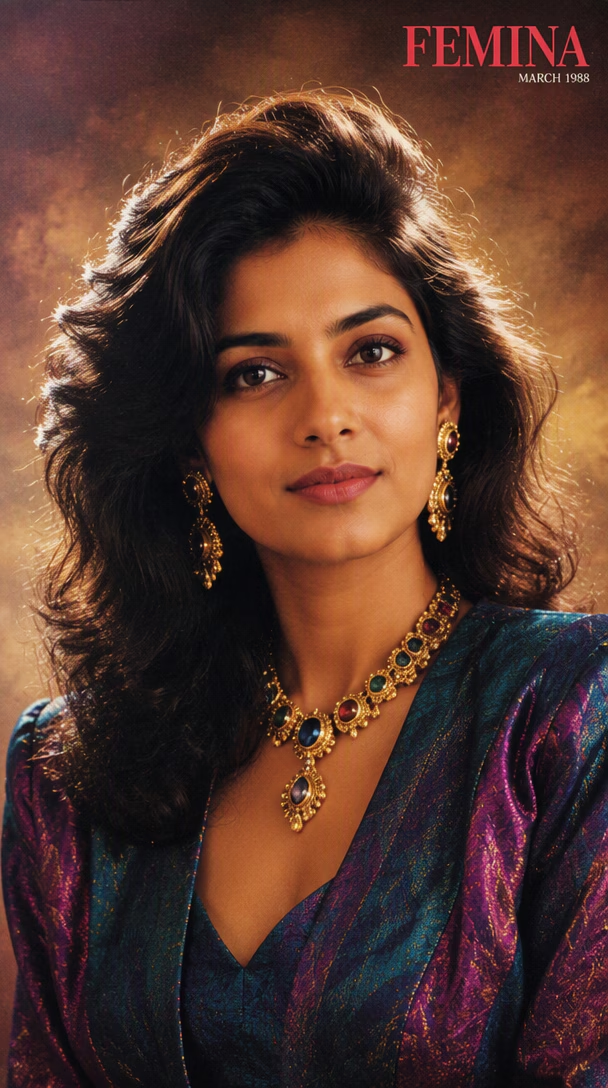
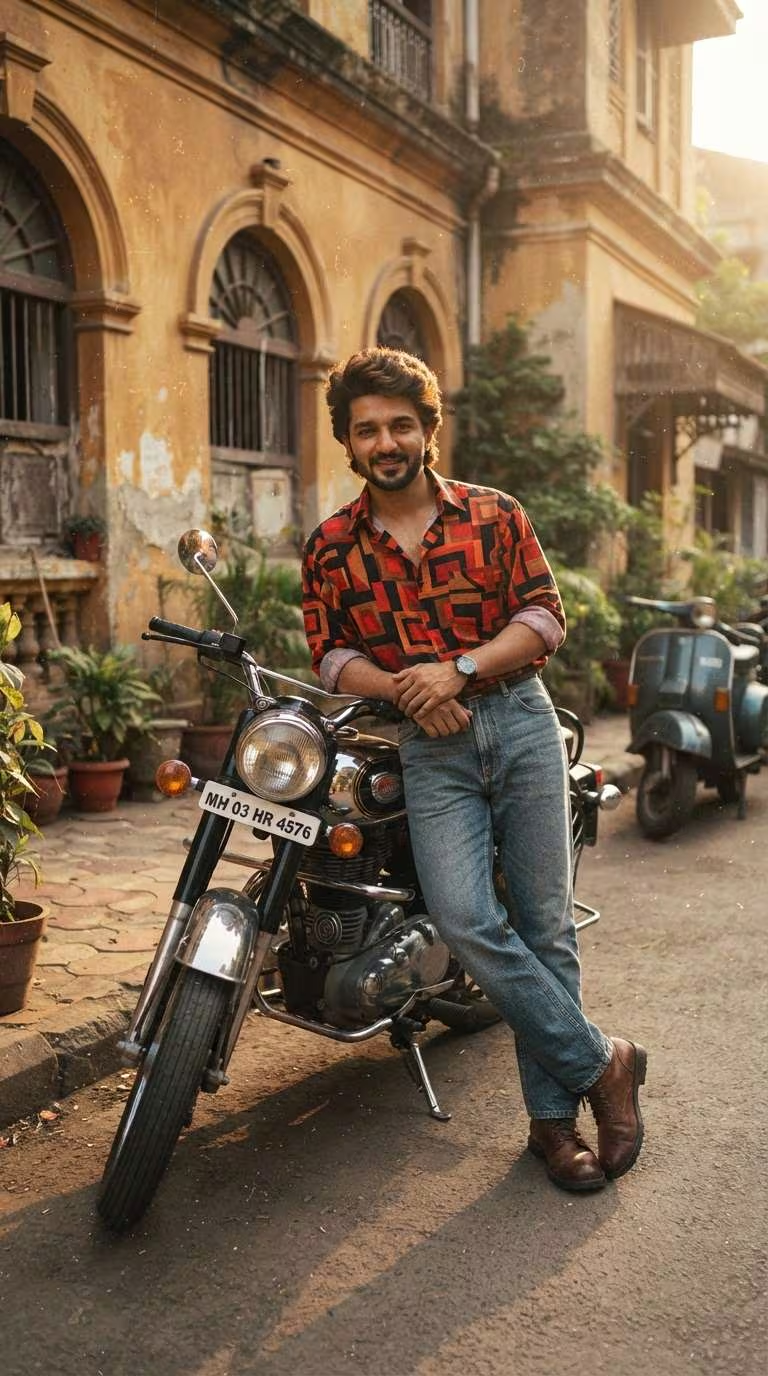
How to Use a 1980s Photo Prompt
Upload a Clear Portrait
Choose a well-lit photo with a visible face and an uncluttered subject. A front-facing or three-quarter portrait gives the image model more information to preserve identity, expression, skin tone, and natural proportions.
Choose an 80s Trend Prompt Direction
Use an 80s trend prompt that names the intended look, such as street fashion, a studio portrait, disco, or a family snapshot. Add period hair, clothing, setting, direct flash, camera distance, warm film color, and fine grain while stating which facial details must remain recognizable.
Generate, Check, and Refine
Generate the retro portrait, then inspect the face, hands, hair, clothing, props, edges, and film texture. If one part feels wrong, change only that detail so the next result is easier to compare.
Why Use a 1980s Photo Prompt
Build a Complete Retro Look From Specific Details
A strong 80s trend prompt combines a clear transformation goal with feathered hair, denim or layered clothing, direct flash, patterned interiors, vintage street elements, and analog film texture. Concrete signals make the decade easier to recognize than broad words such as retro or neon.
Change the Era While Keeping the Face Recognizable
Identity-focused instructions tell the image model to preserve facial structure, expression, skin tone, age, and natural proportions while changing the hairstyle, outfit, background, lighting, and color treatment.
Explore Distinct 1980s Photo Styles
Adapt the prompt for a casual street portrait, high school yearbook, family album, retro Bollywood scene, neon disco makeover, magazine editorial, or warm studio photograph. Each direction can use its own wardrobe, setting, framing, and film behavior.
Who Uses AI Prompt?
Image Creators and Designers
Find prompts for portraits, products, illustrations, posters, social graphics, concept art, and other image workflows. Adapt composition, color, material, typography, and visual style for each project.
Video Creators and Storytellers
Build prompts for cinematic shots, short clips, product videos, character movement, camera paths, and scene transitions. Clarify what happens over time instead of describing only a still frame.
Marketing and Content Teams
Turn campaign themes, product messages, seasonal events, and trending topics into repeatable visual briefs. Customize prompt templates for ads, landing pages, social posts, and editorial content.
FAQs About 1980s Photo Prompts
Create Your 1980s Portrait With AI Prompt
Upload a portrait, apply a focused 1980s photo prompt, and shape period hair, fashion, flash, color, and film grain while keeping the person recognizable.