
AI Prompts for Photos Generator
Upload a photo and use AI Prompt to create a natural professional headshot, realistic product image, lifestyle scene, or social visual.
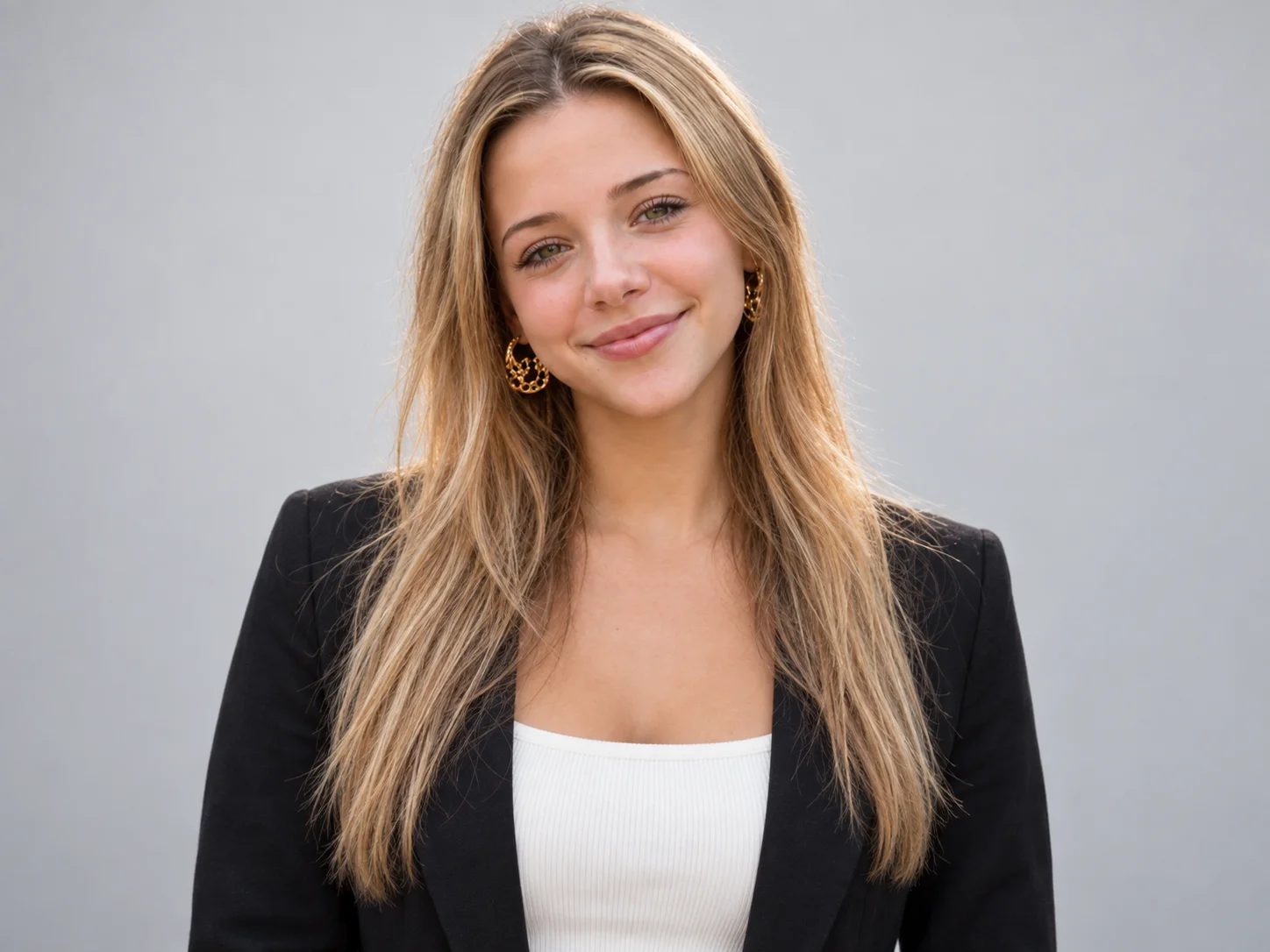
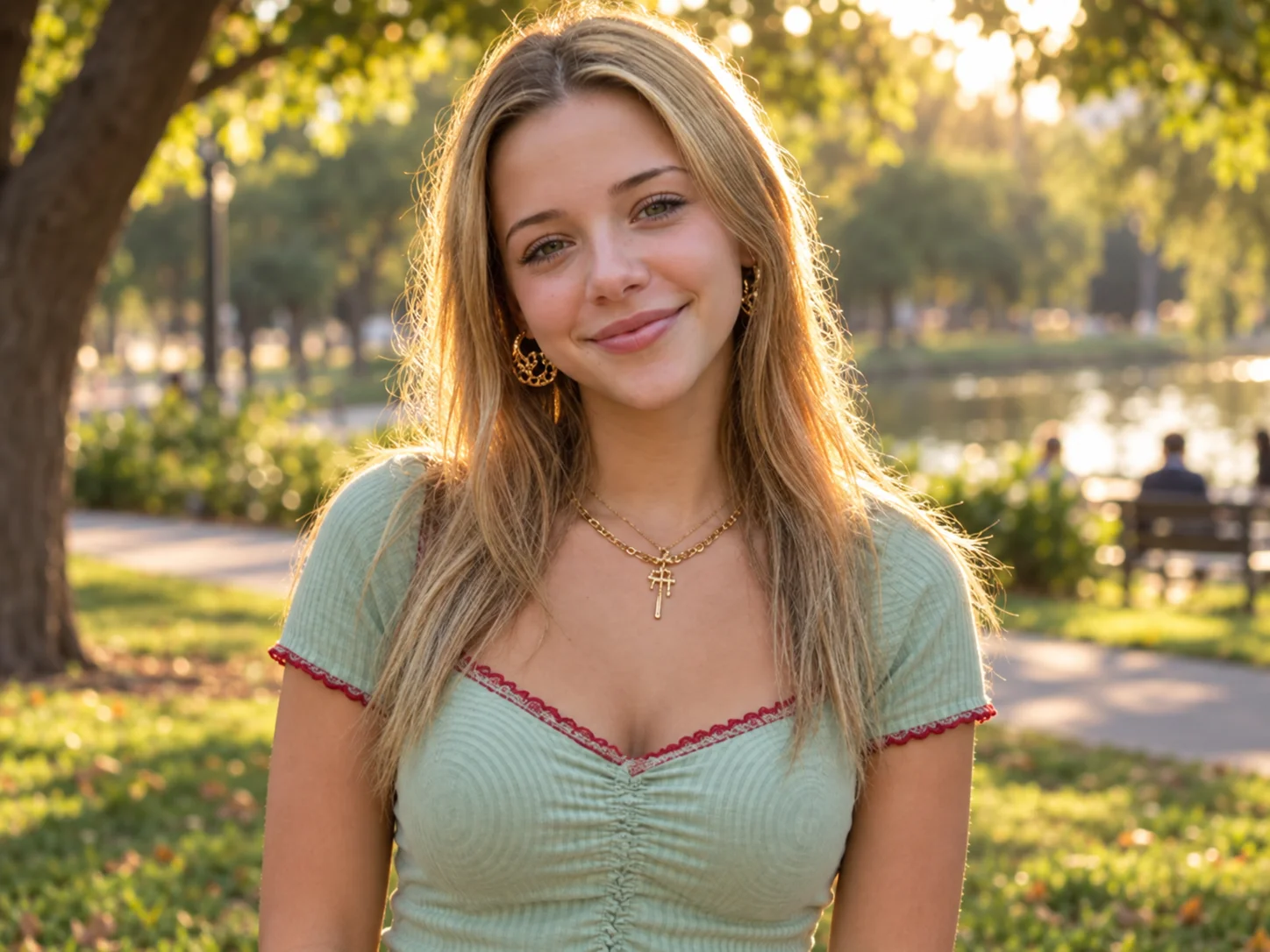
AI Prompts for Photos Examples
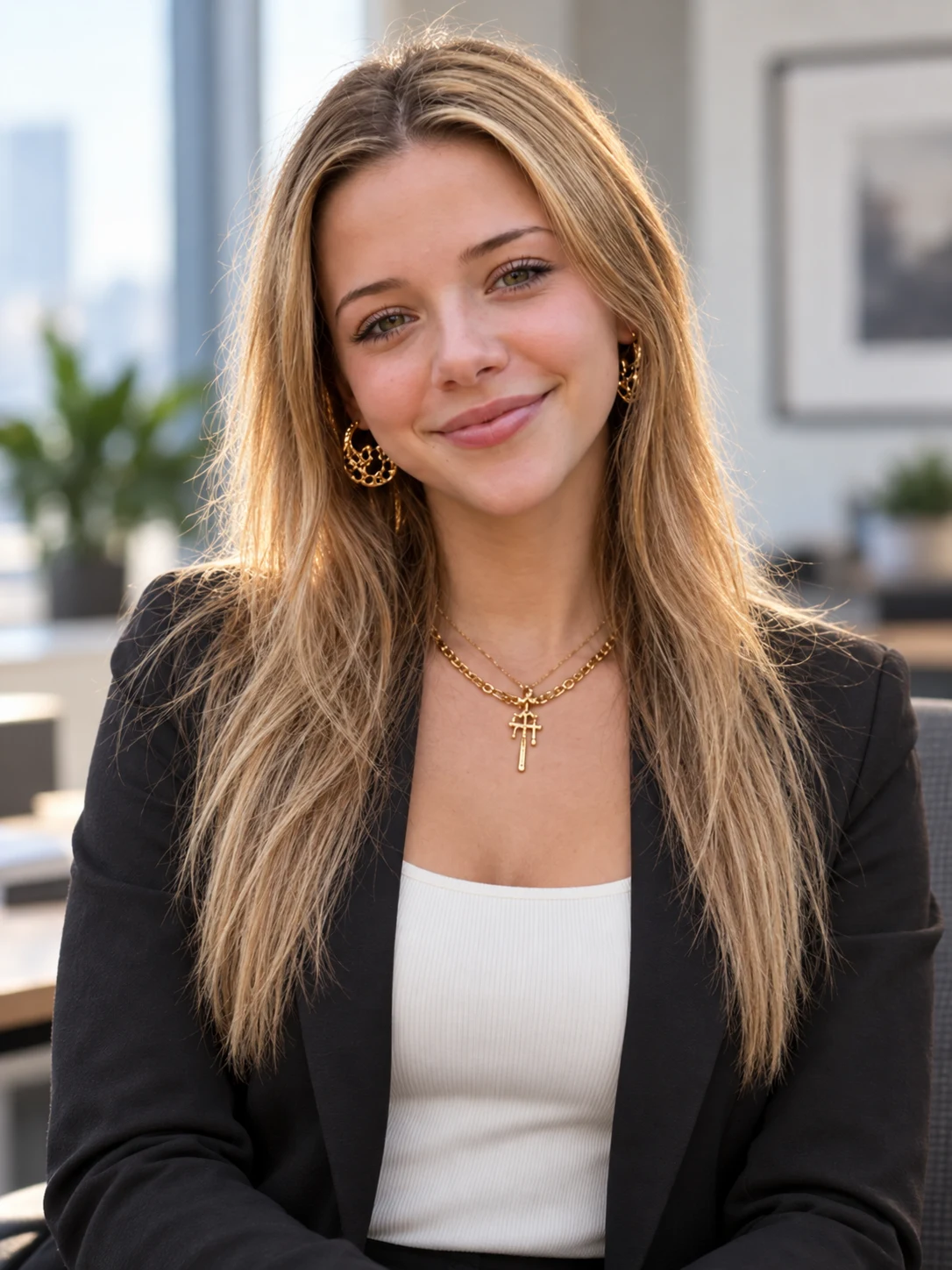
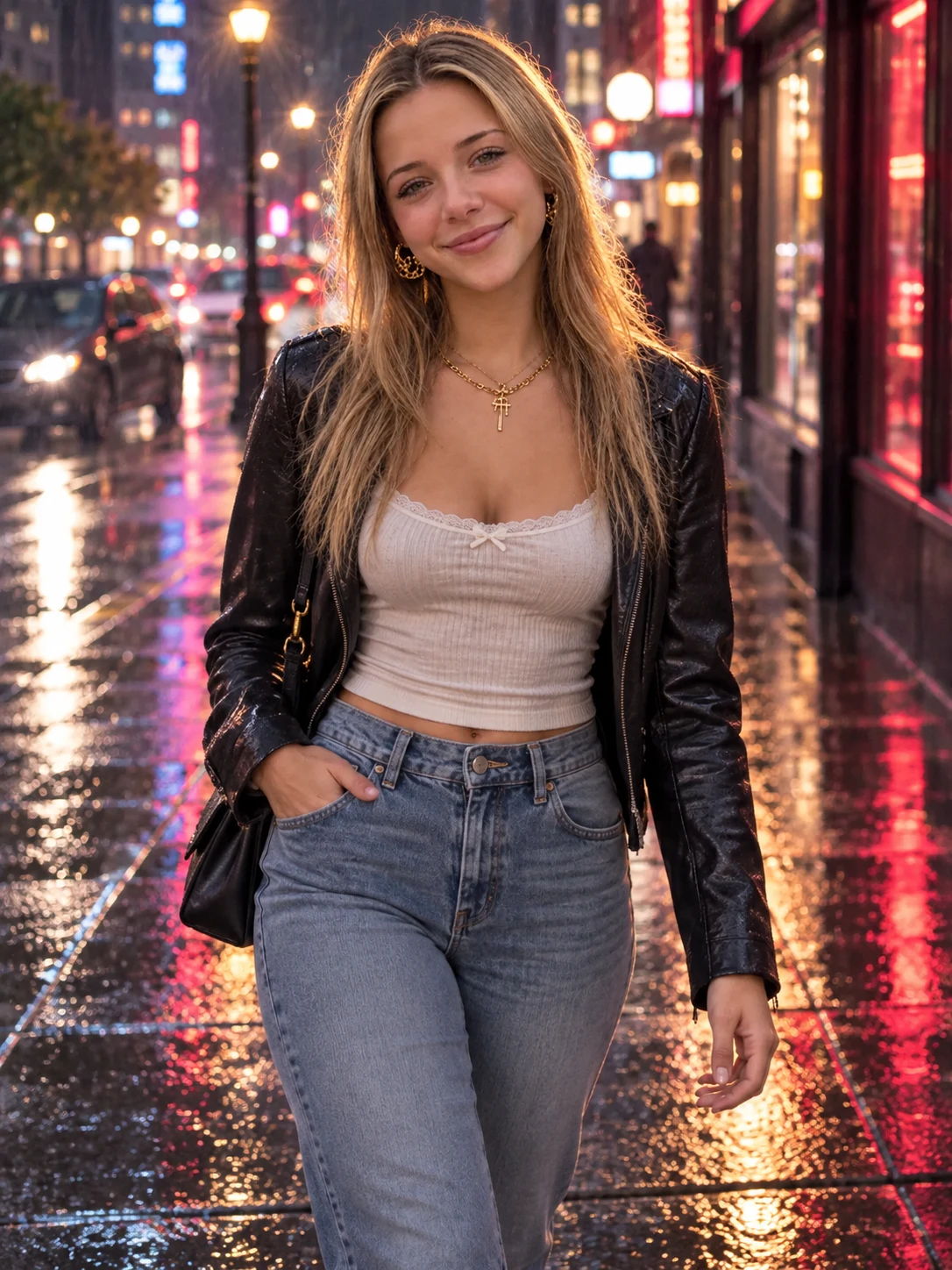
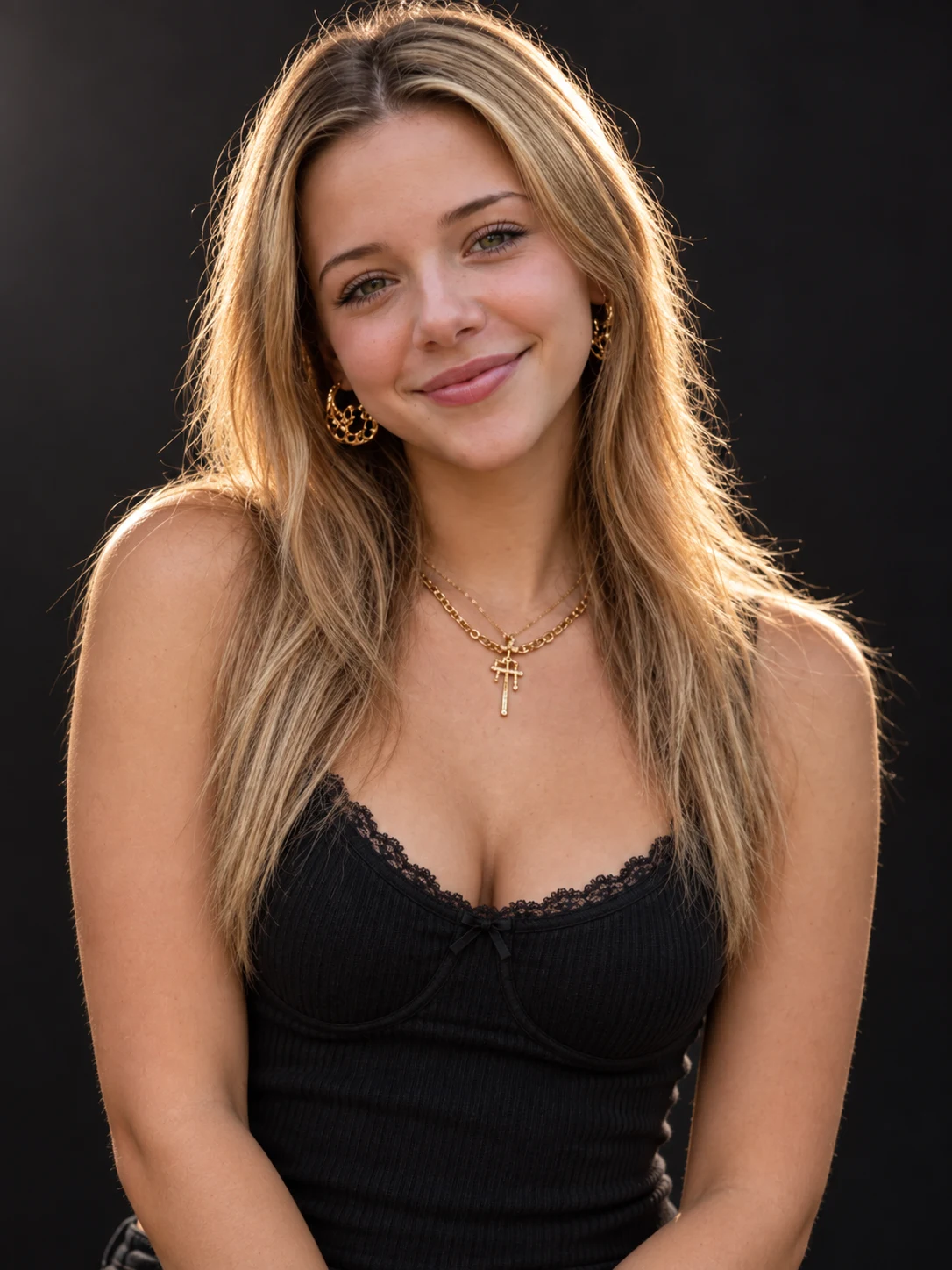
How to Use AI Prompts for Photos
Upload a Clear Reference Photo
Choose a sharp, well-lit image that clearly shows the subject or product. A simple background and complete framing give the generator better visual information to follow.
Paste and Customize the Prompt
Use the prepared prompt or write your own. Specify the subject, clothing, pose, setting, light direction, lens, depth of field, color, mood, and aspect ratio that matter to the result.
Generate, Review, and Refine
Generate the photo and review identity, anatomy, texture, lighting, composition, and background. Change one or two details at a time, then download the version that best matches your purpose.
Why Use AI Prompts for Photos
Build Realism with Photography Details
Add lens length, camera distance, natural light, depth of field, realistic shadows, skin or material texture, and true-to-life color. These concrete cues give the image a clearer photographic direction than broad words such as “realistic” alone.
Adapt One Structure to Many Photo Types
Reuse the same prompt framework for professional portraits, ecommerce products, food photography, travel scenes, fashion editorials, family photos, and social content. Replace the subject and scene details while keeping the useful camera structure.
Guide Image-to-Image Editing More Precisely
Pair a clear reference with instructions about what to preserve and what to change. You can request consistent facial features or product form while adjusting clothing, background, lighting, pose, framing, or visual mood.
Who Uses AI Prompt?
Image Creators and Designers
Find prompts for portraits, products, illustrations, posters, social graphics, concept art, and other image workflows. Adapt composition, color, material, typography, and visual style for each project.
Video Creators and Storytellers
Build prompts for cinematic shots, short clips, product videos, character movement, camera paths, and scene transitions. Clarify what happens over time instead of describing only a still frame.
Marketing and Content Teams
Turn campaign themes, product messages, seasonal events, and trending topics into repeatable visual briefs. Customize prompt templates for ads, landing pages, social posts, and editorial content.
FAQs About AI Prompts for Photos
Create a Photo with AI Prompt
Upload a reference, customize the photography details, and turn your idea into a realistic image.