
Ballerina Prompt Generator
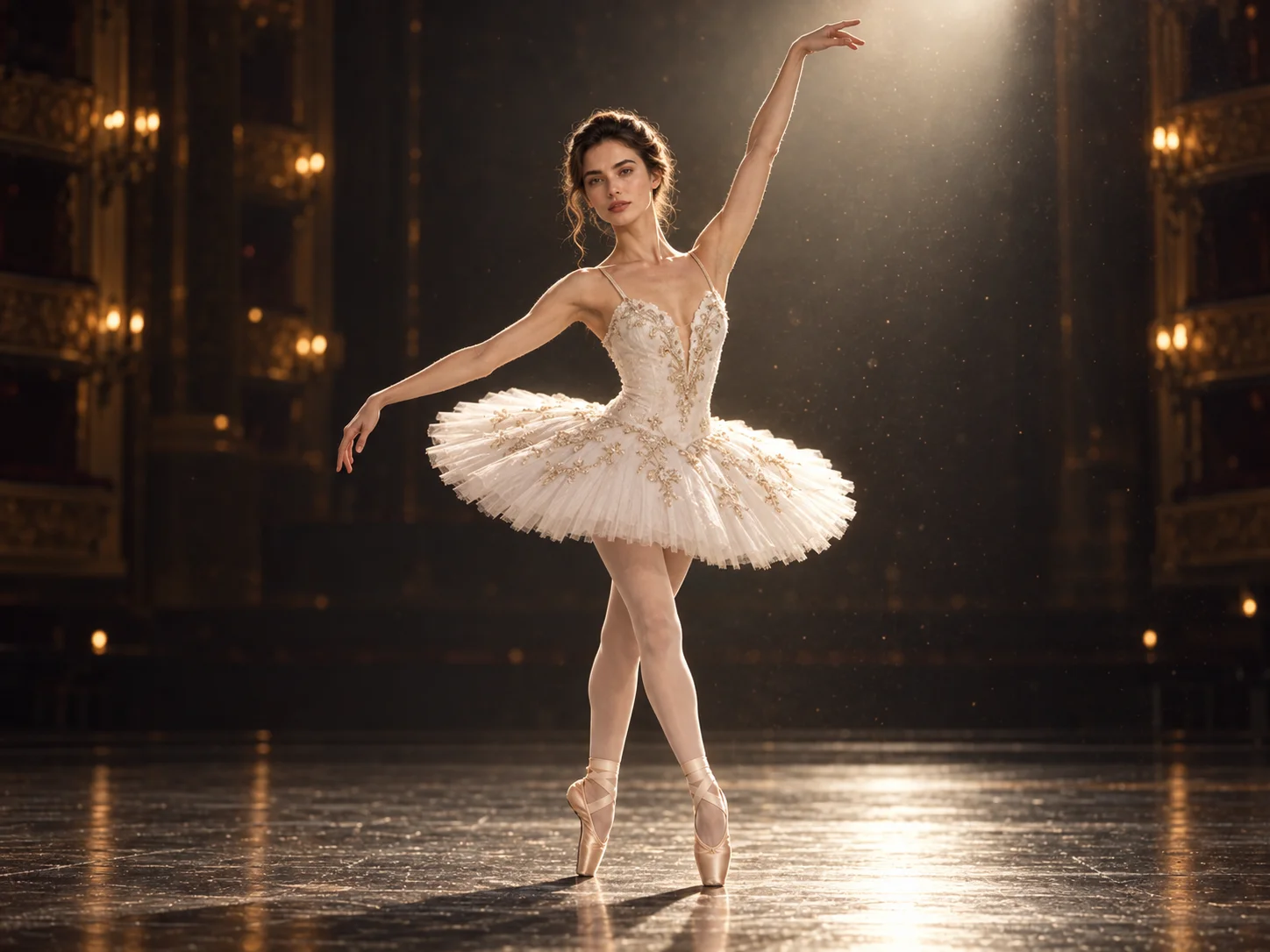
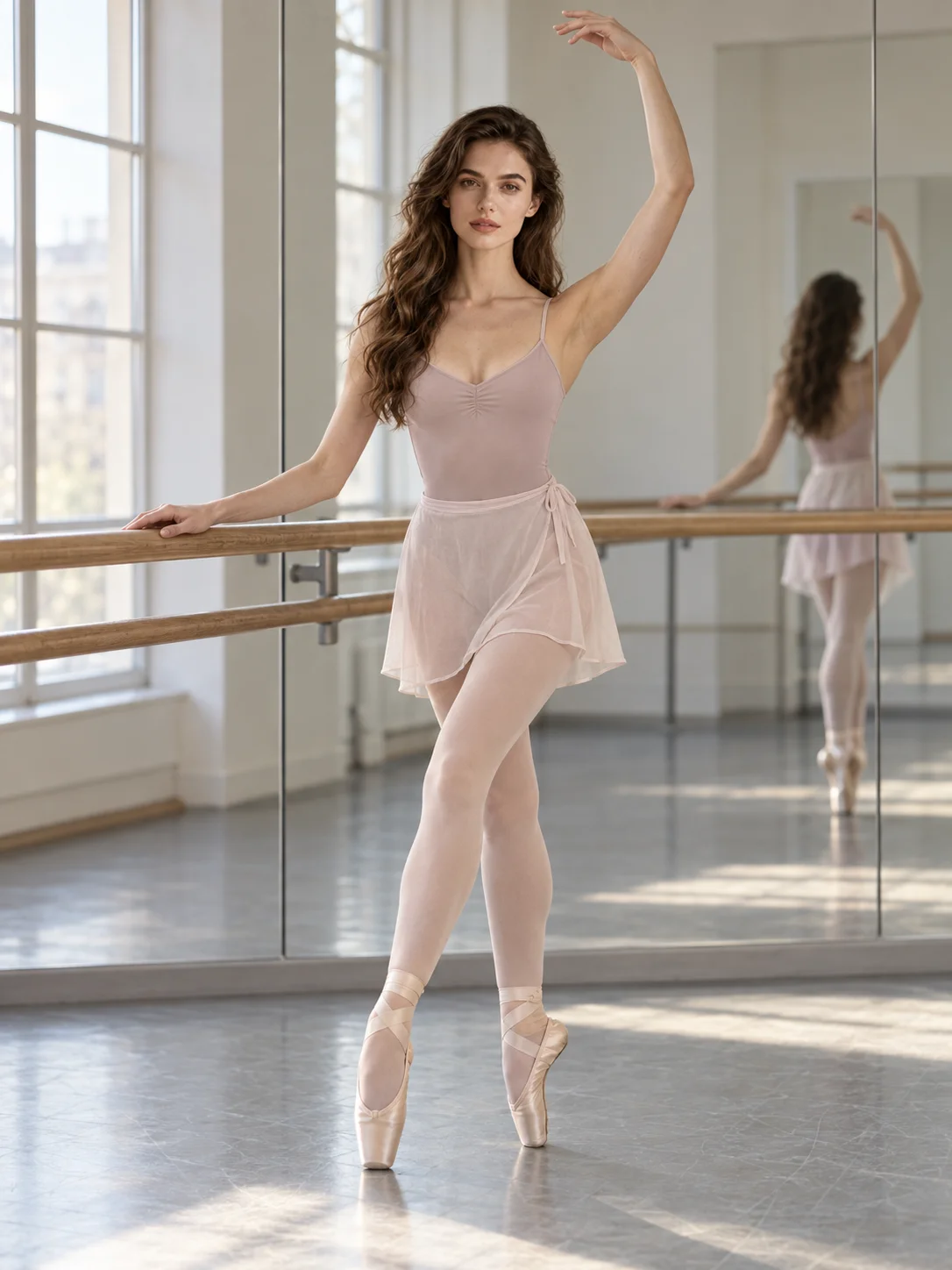
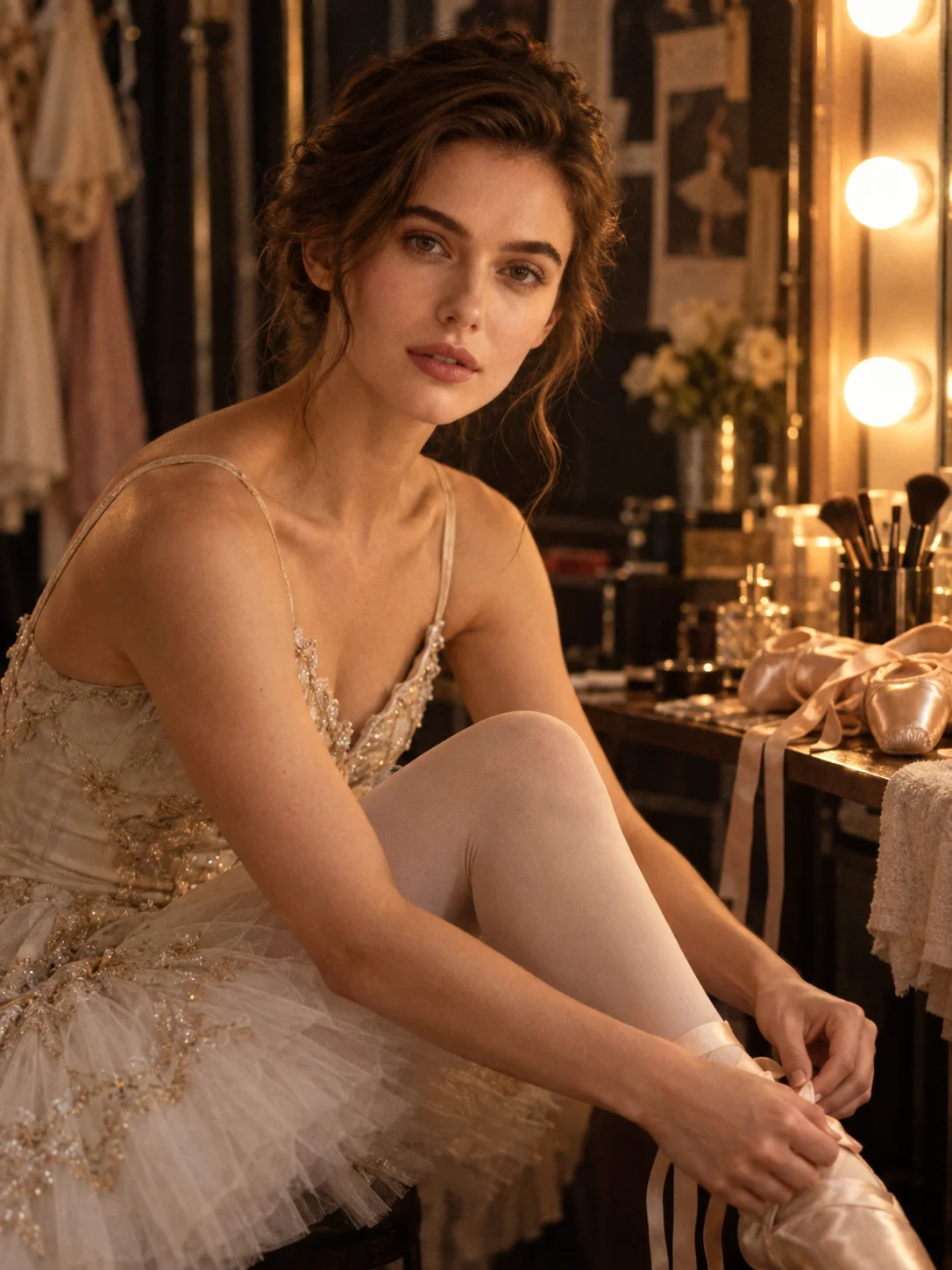
Create a ballet portrait with a readable dance pose, flowing costume, and light that fits a theater stage or rehearsal studio. Carry the face from your reference into a graceful, cinematic scene.
Best Ballerina Prompt Ideas & Examples
How to Use a Ballerina Prompt
Choose a Dance Moment
Start with a stage turn, barre rehearsal, or still pose. Describe the supporting leg and body line so the movement reads clearly.
Set the Portrait Scene
Add a reference photo if you want to keep a recognizable face. Specify costume, stage or studio, lighting direction, and camera distance.
Generate and Refine
Create the image, then check hands, feet, balance, fabric, and facial likeness. Adjust one prompt detail at a time for another version.
Why Choose This Ballerina Prompt Generator
Make the Movement Read Clearly
Describe a specific turn, stretch, or quiet pause with body-line and balance cues. The dancer's action becomes the center of the composition instead of a vague ballet pose.
Build a Distinct Ballet Setting
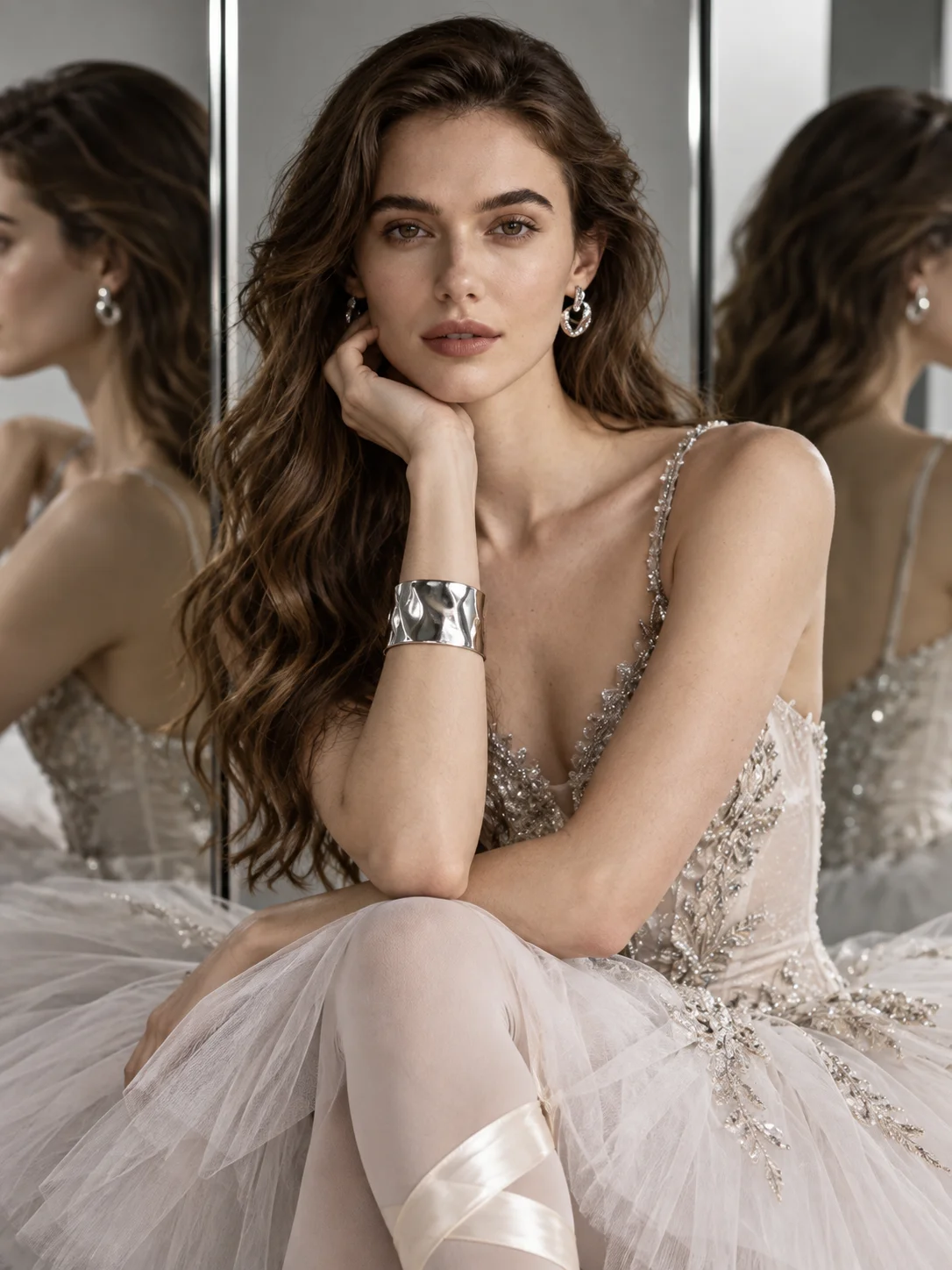
Move between rehearsal mirrors, a theater spotlight, and a dark editorial backdrop. Costume texture, light direction, and camera angle help each setting tell a different story.
Keep the Portrait Personal
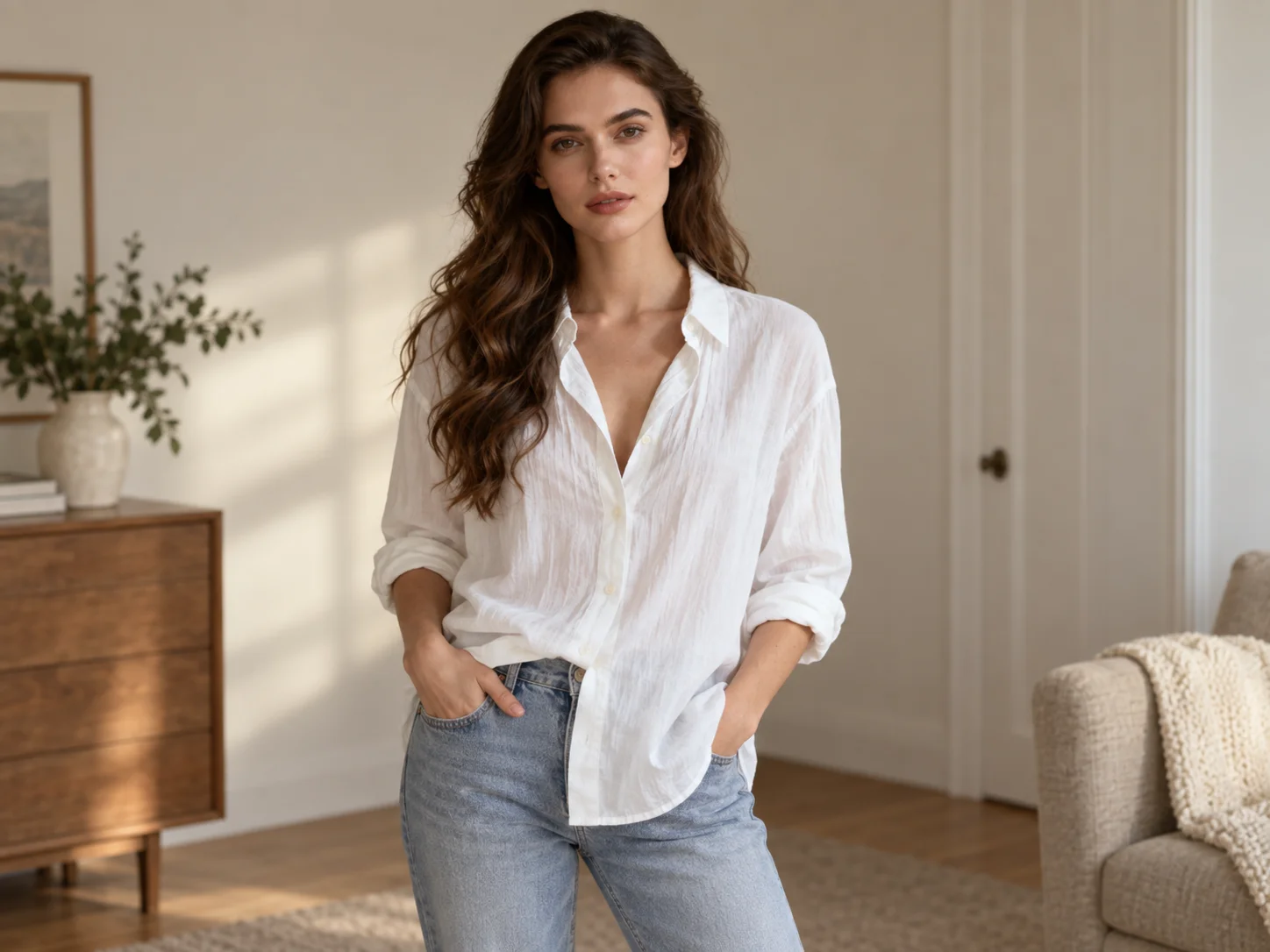
Use your photo as a reference and ask the prompt to retain facial details while changing the pose, outfit, and background. Review the generated likeness and refine the wording as needed.
Who Uses AI Prompt?
Image Creators and Designers
Find prompts for portraits, products, illustrations, posters, social graphics, concept art, and other image workflows. Adapt composition, color, material, typography, and visual style for each project.
Video Creators and Storytellers
Build prompts for cinematic shots, short clips, product videos, character movement, camera paths, and scene transitions. Clarify what happens over time instead of describing only a still frame.
Marketing and Content Teams
Turn campaign themes, product messages, seasonal events, and trending topics into repeatable visual briefs. Customize prompt templates for ads, landing pages, social posts, and editorial content.
FAQs About Ballerina Prompts
Create a Ballerina Portrait
Turn a specific dance moment into a portrait with the costume, lighting, and setting that fit your idea.