
Note: Auto only supports 1K. 1:1 does not support 4K.
Cinematic Relight Prompt Generator
Turn flat portraits into cinematic images with neon noir, Hollywood teal-orange, golden-hour glow, or dreamy dusk effects, featuring dramatic light falloff, realistic studio shadows, and intentional color grading.
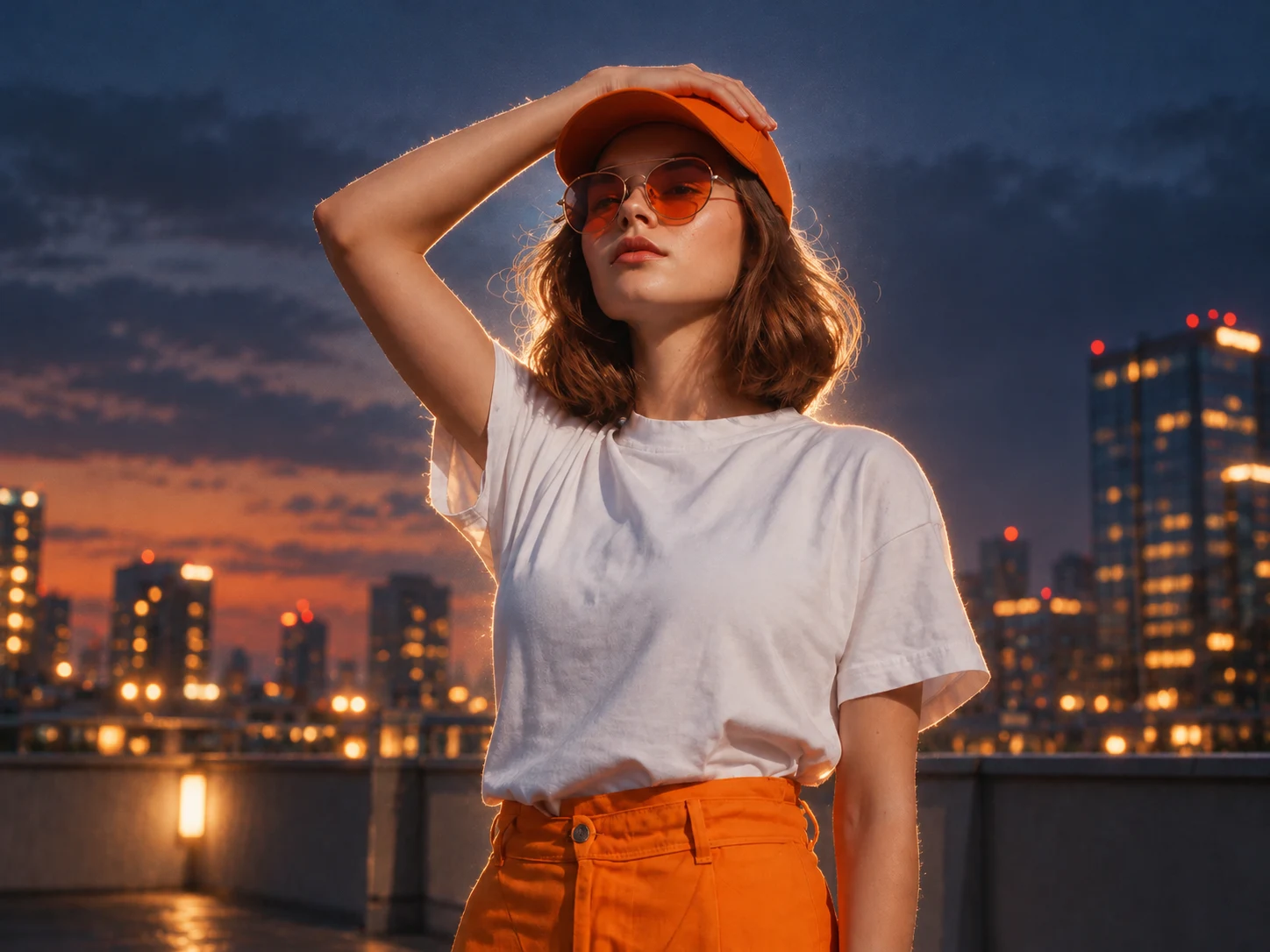
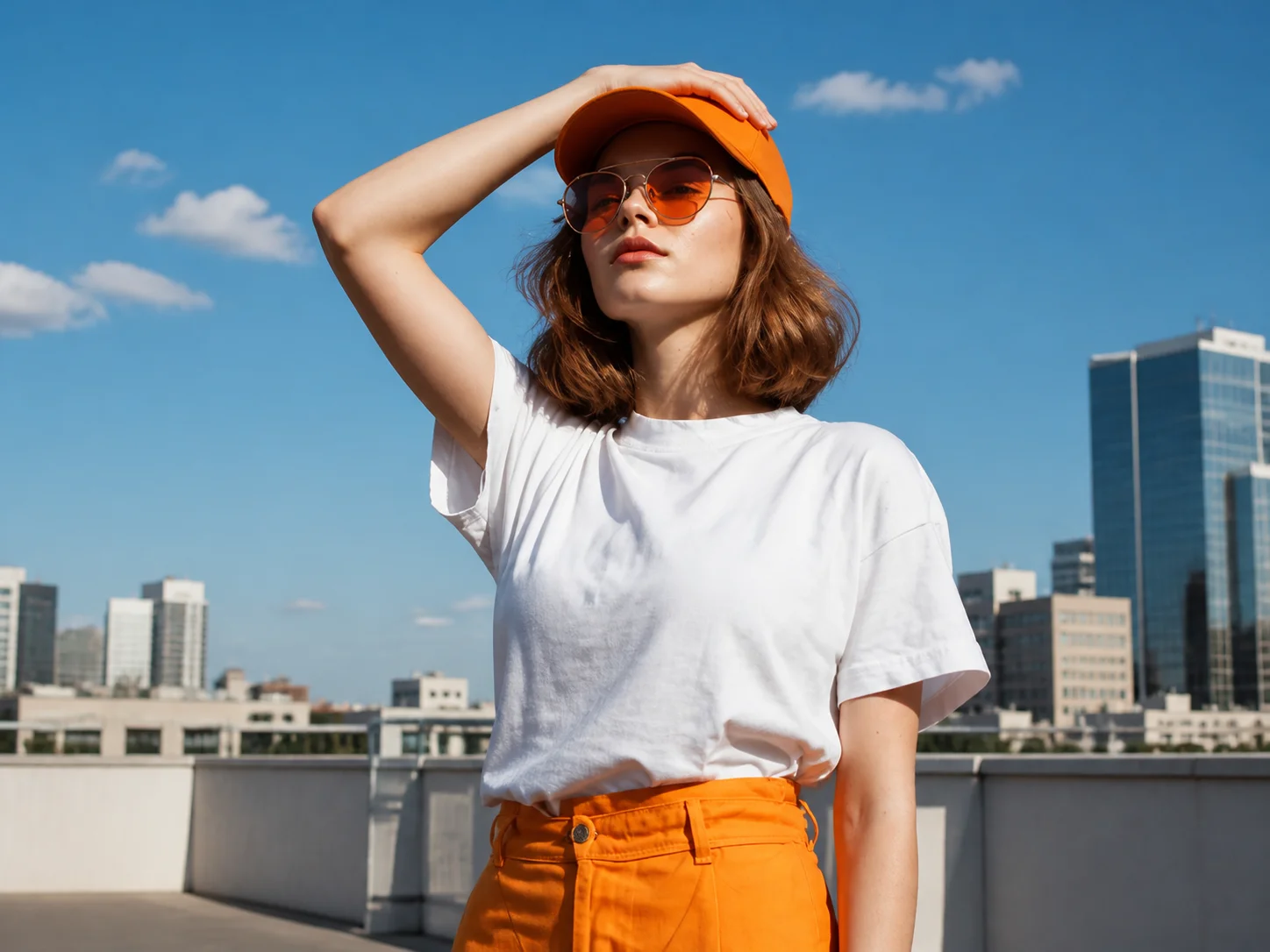
How to Use a Cinematic Relight Prompt
Upload a Clear Portrait
Choose a selfie, profile photo, fashion image, or close-up with visible facial detail and balanced exposure. A clean starting image helps preserve identity and produces more believable shadows and highlights.
Describe the Lighting Direction
Start with a cinematic relight prompt, then specify the key light, rim light, shadow depth, color palette, background atmosphere, and mood. Choose one clear direction such as neon noir, dusk backlight, golden hour, or Hollywood studio lighting.
Generate and Check the Portrait
Review facial accuracy, skin texture, eye detail, light direction, shadow falloff, halo edges, and background separation. Refine one lighting element at a time until the result feels cinematic without looking artificial.
Why Use a Cinematic Relight Prompt Generator
Upgrade Flat Portrait Lighting
Add controlled highlights, deeper shadows, natural light falloff, and subject separation to portraits that feel dull or evenly lit. The result gains depth and emotional focus without requiring a physical studio setup.
Explore Distinct Cinematic Looks
Move between neon noir, cyberpunk color, teal-orange grading, warm sunset glow, moody black-and-white, softbox portraits, and fashion-editorial side light by changing a focused set of lighting instructions.
Preserve Recognizable Portrait Detail
Keep the face, eyes, hairstyle, pose, and natural skin texture recognizable while changing the light and background mood. This helps cinematic effects feel integrated with the original portrait rather than pasted on top.
Who Uses AI Prompt?
Image Creators and Designers
Find prompts for portraits, products, illustrations, posters, social graphics, concept art, and other image workflows. Adapt composition, color, material, typography, and visual style for each project.
Video Creators and Storytellers
Build prompts for cinematic shots, short clips, product videos, character movement, camera paths, and scene transitions. Clarify what happens over time instead of describing only a still frame.
Marketing and Content Teams
Turn campaign themes, product messages, seasonal events, and trending topics into repeatable visual briefs. Customize prompt templates for ads, landing pages, social posts, and editorial content.
FAQs About Cinematic Relight Prompts
Create a Cinematic Relight Portrait
Use AI Prompt to turn an ordinary portrait into a movie-style image with dramatic shadows, luminous highlights, realistic skin detail, and intentional color grading.