
Couple Prompt Generator
Turn a shared photo into a romantic or playful couple portrait with two recognizable faces, believable eye contact and body language, natural expressions, realistic light, and a polished birthday studio, rooftop sunset, rainy walk, cafe, beach, wedding, or everyday setting.


Couple Prompt Examples
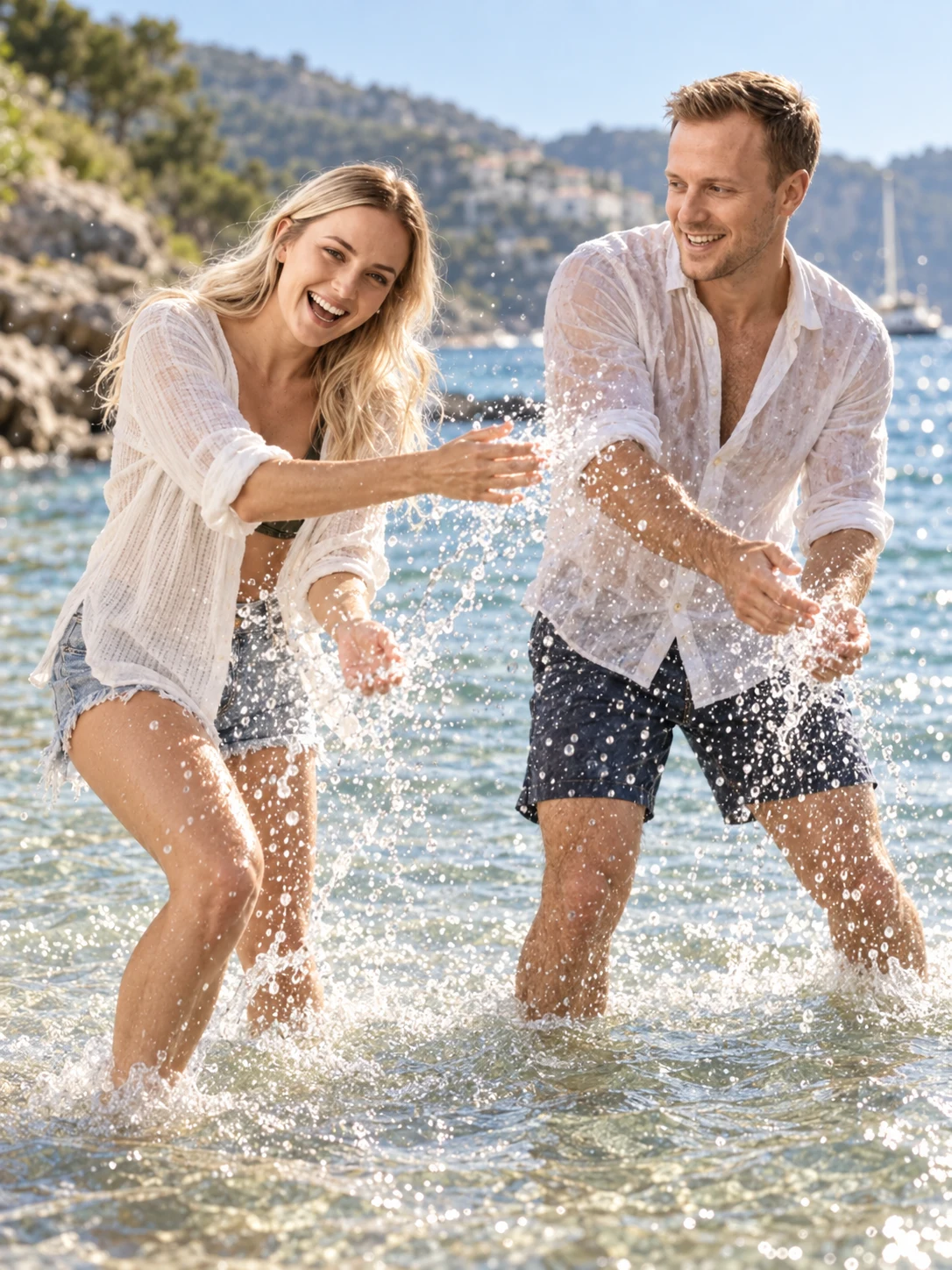

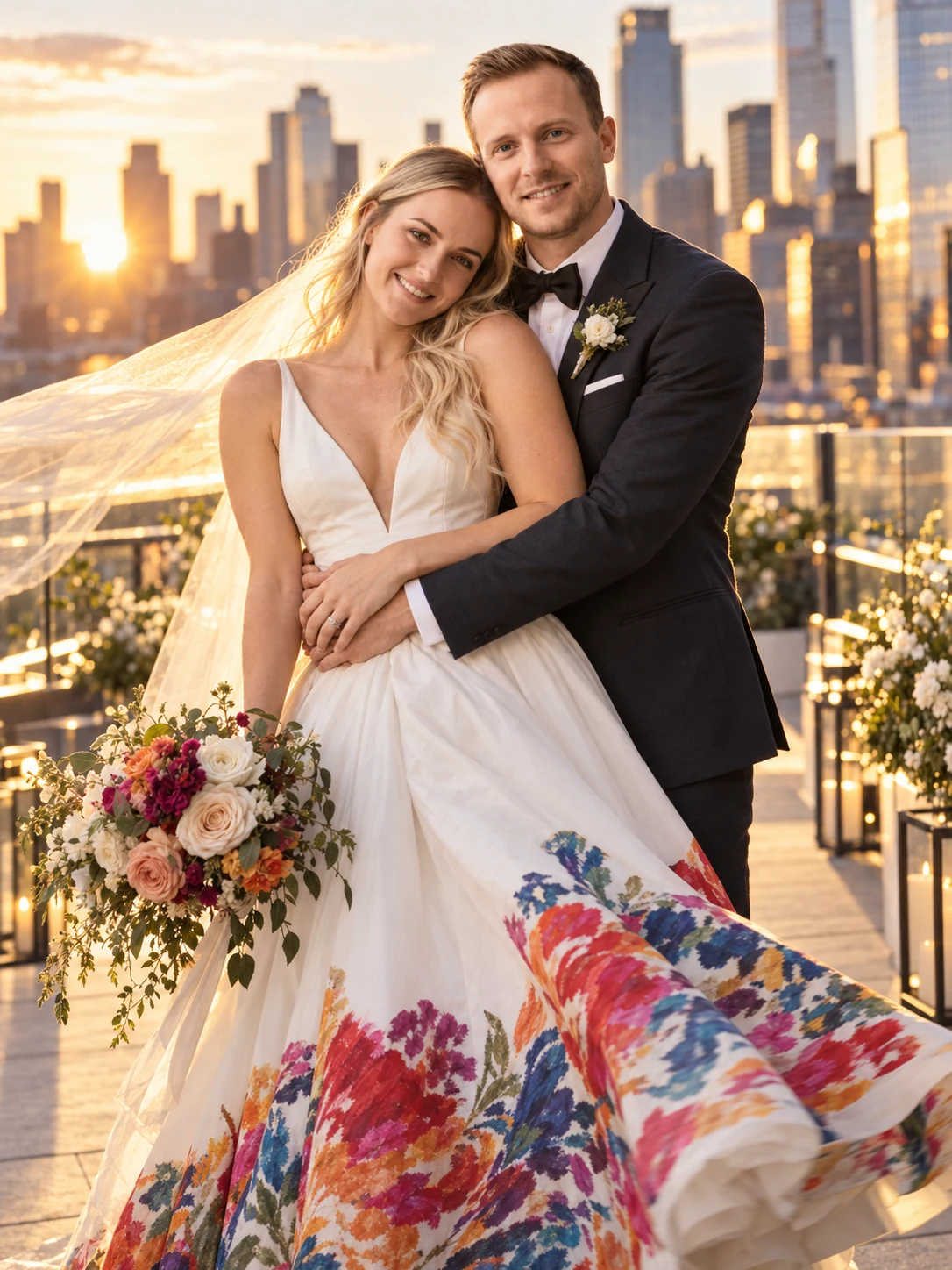
How to Use a Couple Prompt
Choose a Couple Photo Direction
Start with the moment you want to create: a playful birthday shoot, candid city walk, anniversary portrait, wedding scene, rooftop sunset, rainy umbrella photo, cafe conversation, or beach stroll.
Upload a Clear Couple Photo and Customize the Prompt
Use a well-lit photo where both faces are visible, then describe the expressions, interaction, pose, outfits, setting, lighting, camera style, color palette, and mood you want.
Generate, Review, and Refine
Review both identities, eye lines, hands, contact points, body proportions, lighting, and composition. Change one detail at a time until the interaction feels natural and the image stays coherent.
Why Use a Couple Prompt
Create Natural Couple Interaction
Describe who is looking where, how close the couple stands, what each person is doing, and how hands or props connect. Clear interaction cues help avoid stiff poses and make the scene feel candid and emotionally readable.
Preserve Two Recognizable Faces
Pair a clear shared photo with focused instructions about the facial features, expressions, and relationship pose to preserve. Then change the clothing, background, lighting, or visual style while keeping the portrait personal.
Adapt One Structure to Romantic and Playful Scenes
Reuse the same couple photo prompt framework for birthdays, anniversaries, weddings, vacations, seasonal celebrations, cinematic portraits, casual dates, artistic edits, profile images, and social posts.
Who Uses AI Prompt?
Image Creators and Designers
Find prompts for portraits, products, illustrations, posters, social graphics, concept art, and other image workflows. Adapt composition, color, material, typography, and visual style for each project.
Video Creators and Storytellers
Build prompts for cinematic shots, short clips, product videos, character movement, camera paths, and scene transitions. Clarify what happens over time instead of describing only a still frame.
Marketing and Content Teams
Turn campaign themes, product messages, seasonal events, and trending topics into repeatable visual briefs. Customize prompt templates for ads, landing pages, social posts, and editorial content.
FAQs About Couple Prompts
Create a Couple Portrait with AI Prompt
Upload a shared photo, customize the interaction and scene, and turn a favorite moment into a romantic or playful couple portrait.