
Outfit Prompt Generator
Upload a person photo and preview a realistic new outfit with recognizable facial features, natural body proportions, believable fabric texture, matched lighting, and a complete fashion composition.
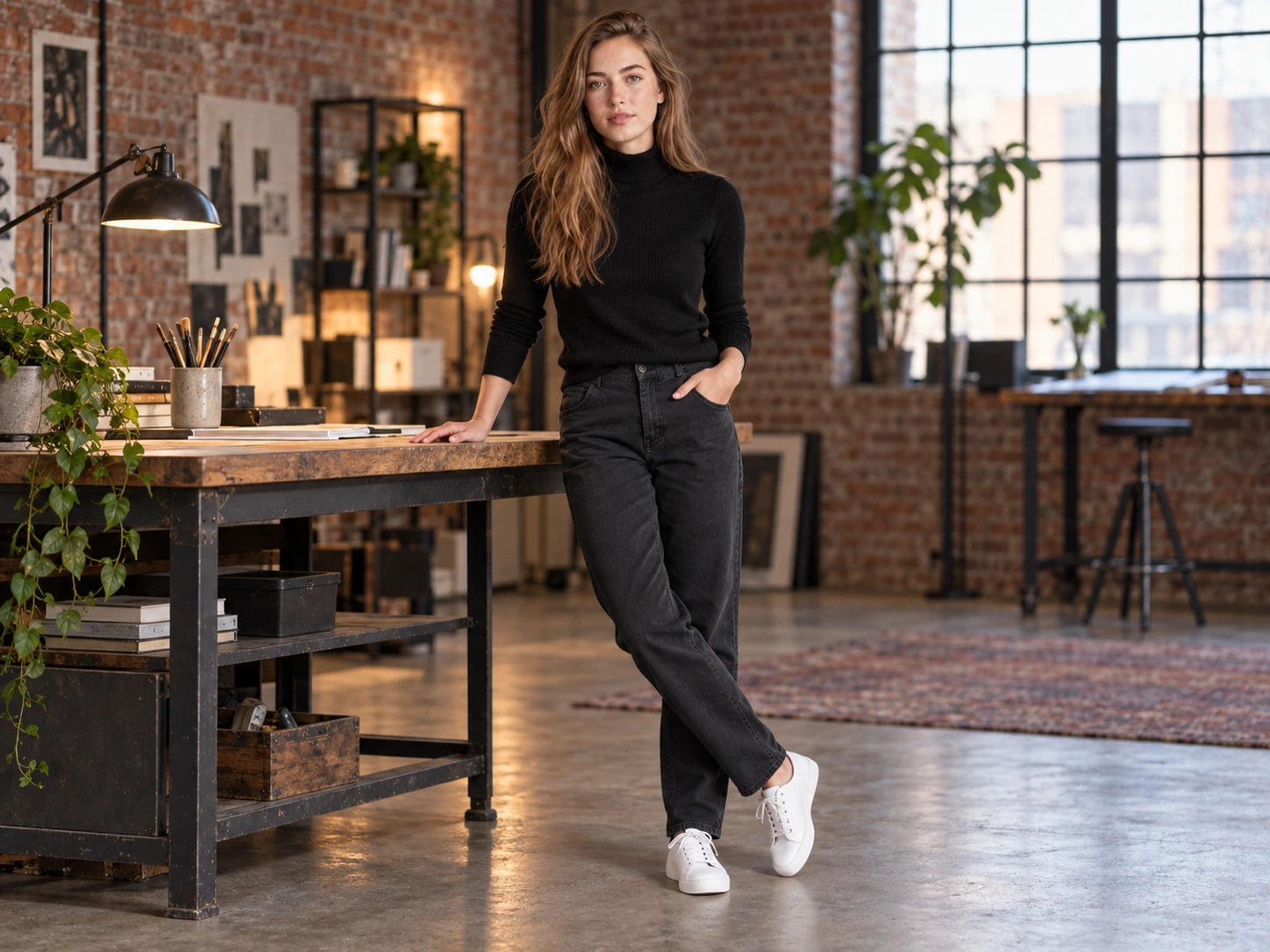
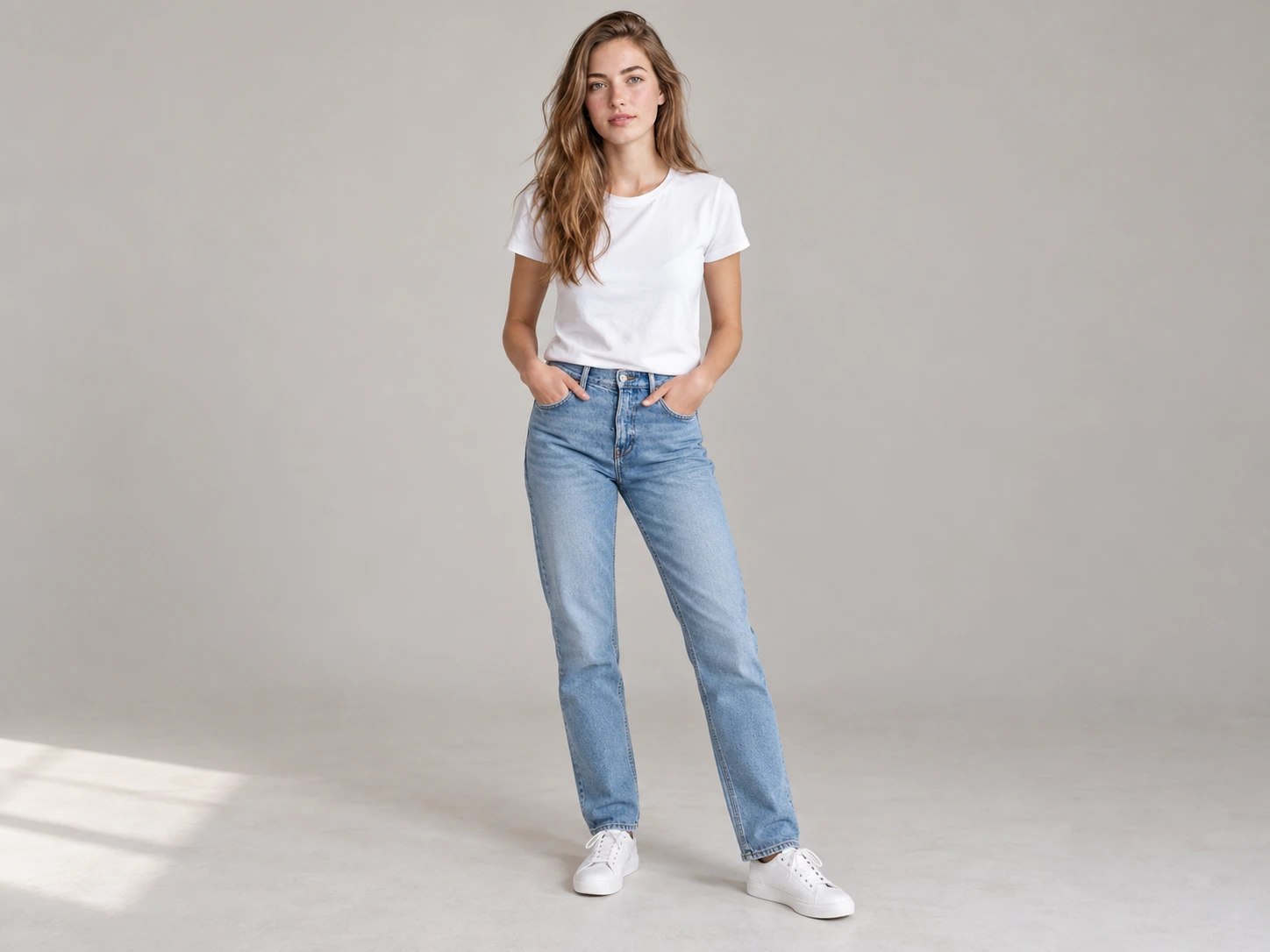
Outfit Prompt Examples
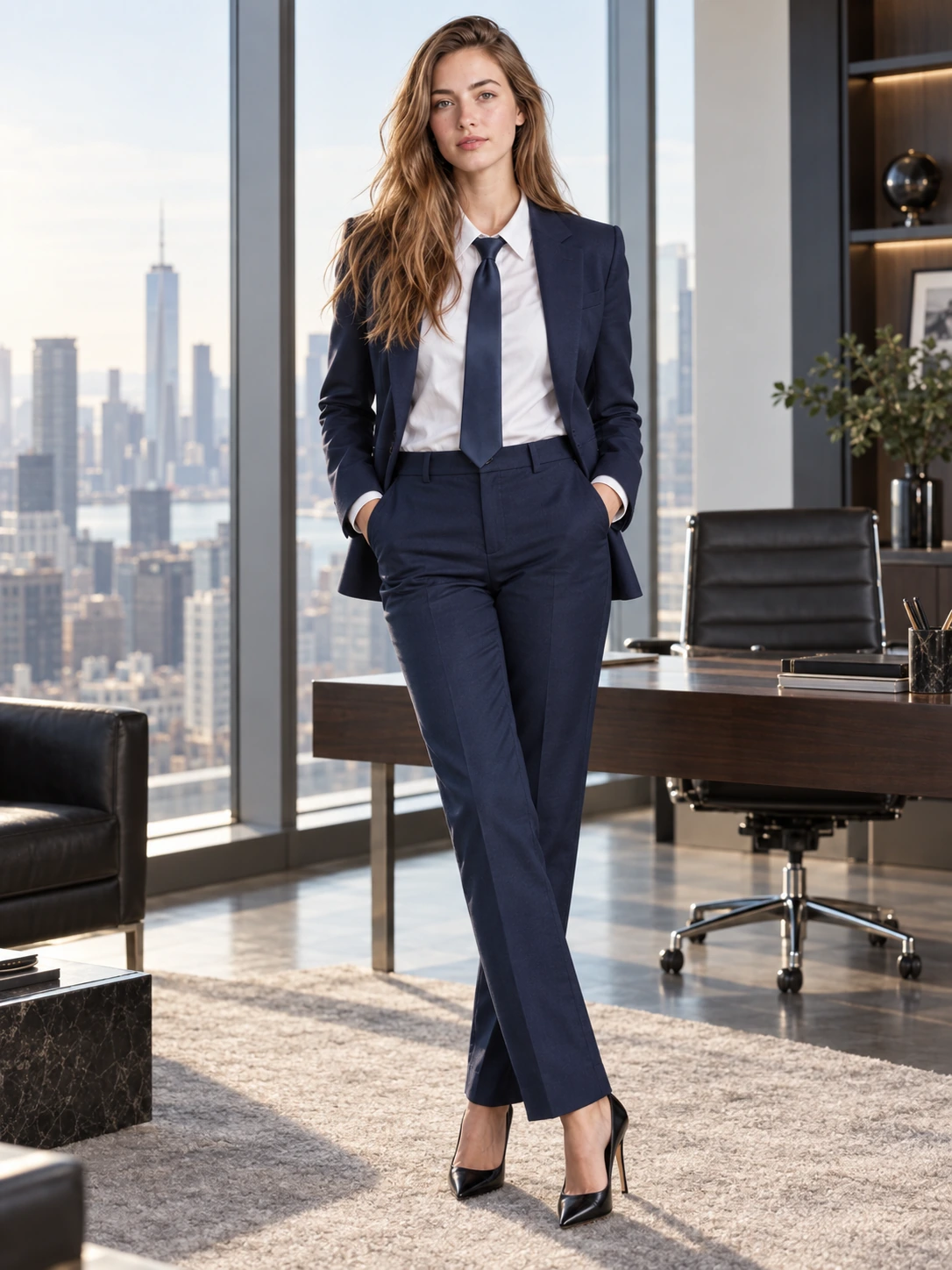
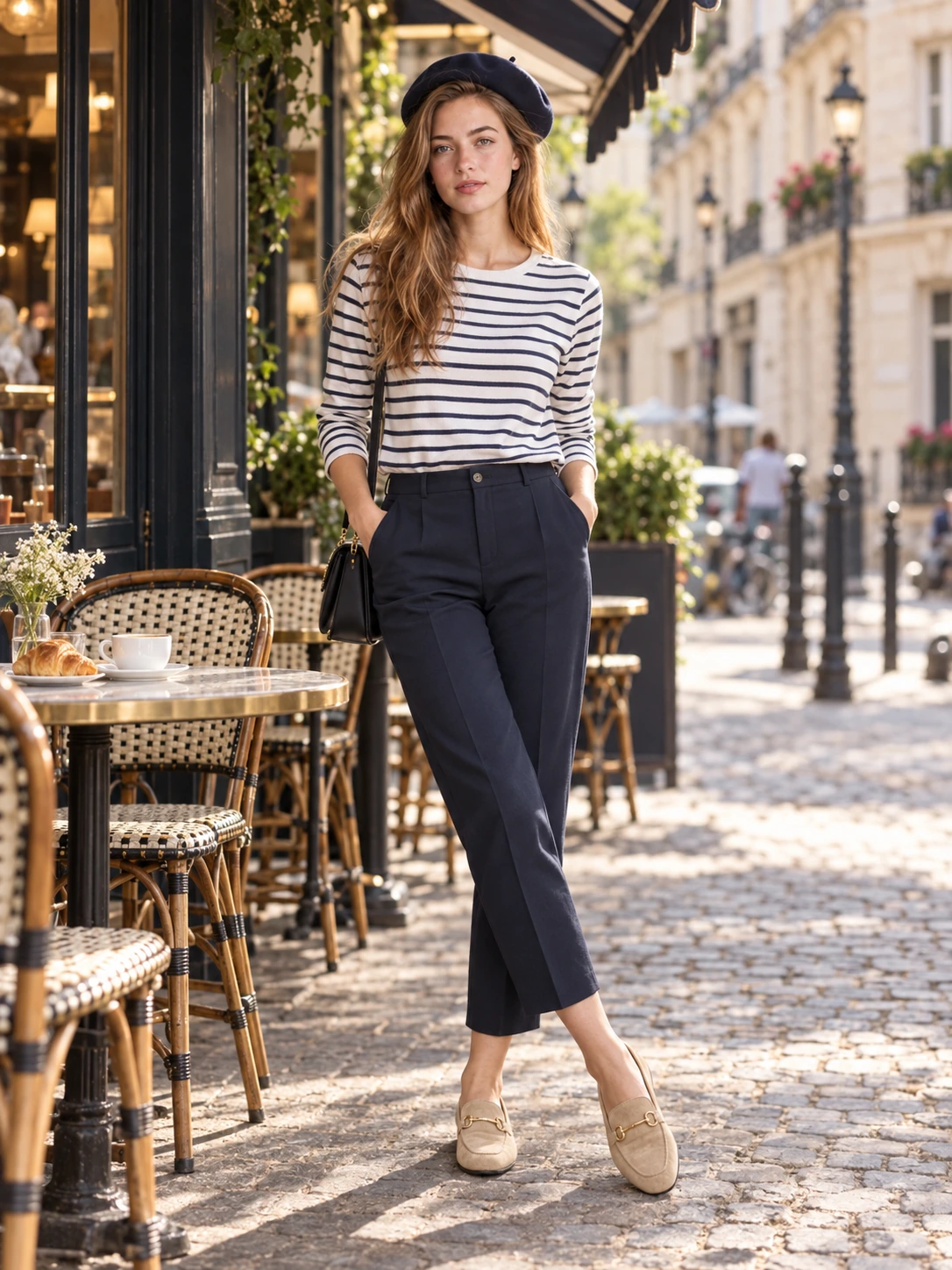
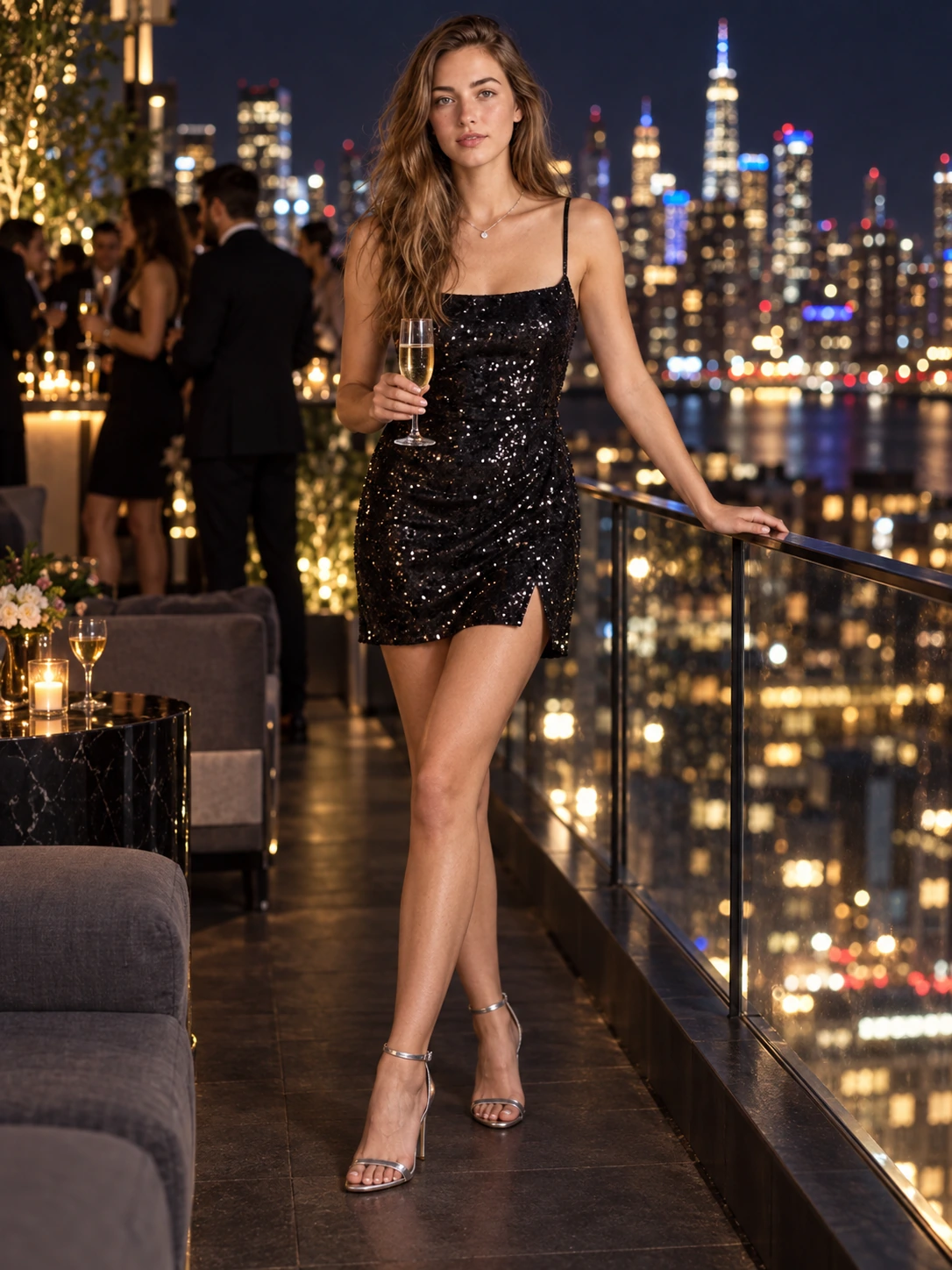
How to Use an Outfit Prompt
Choose an Outfit and Occasion
Start with one clear direction such as summer linen, casual streetwear, a polished office outfit, vacation clothing, an evening look, or a modern black turtleneck ensemble.
Upload a Clear Photo and Customize the Prompt
Use a full or three-quarter portrait you own or have permission to edit. Describe the garments, colors, materials, fit, shoes, accessories, pose, setting, lighting, camera details, and facial features to preserve.
Generate and Review the Fit
Check identity, body proportions, garment edges, sleeves, hands, fabric folds, shadows, pose, and background. Refine one detail at a time until the outfit fits the person and scene naturally.
Why Use an Outfit Prompt
Turn a Clothing Idea into a Complete Look
A structured outfit prompt combines garments, color palette, material, fit, accessories, footwear, pose, location, lighting, and camera direction in one brief. AI Prompt helps convert loose inspiration into a visual concept you can compare and refine.
Preserve the Person While Changing Clothes
Pair a clear reference with stable instructions for face shape, skin tone, hairstyle, body proportions, and pose. Then change the outfit while keeping fabric placement, scale, folds, and shadows believable.
Explore Looks for Real Styling Scenarios
Reuse outfit prompts for summer trips, streetwear, business casual, events, creator photos, mood boards, shopping inspiration, and social content. Change colors, fabrics, fit, background, or lighting without rebuilding the whole idea.
Who Uses AI Prompt?
Image Creators and Designers
Find prompts for portraits, products, illustrations, posters, social graphics, concept art, and other image workflows. Adapt composition, color, material, typography, and visual style for each project.
Video Creators and Storytellers
Build prompts for cinematic shots, short clips, product videos, character movement, camera paths, and scene transitions. Clarify what happens over time instead of describing only a still frame.
Marketing and Content Teams
Turn campaign themes, product messages, seasonal events, and trending topics into repeatable visual briefs. Customize prompt templates for ads, landing pages, social posts, and editorial content.
FAQs About Outfit Prompts
Create an Outfit Prompt with AI Prompt
Upload a person photo, describe the clothes, materials, setting, and lighting, then generate a realistic outfit image ready to compare and refine.