
Photo Collage Prompt Generator
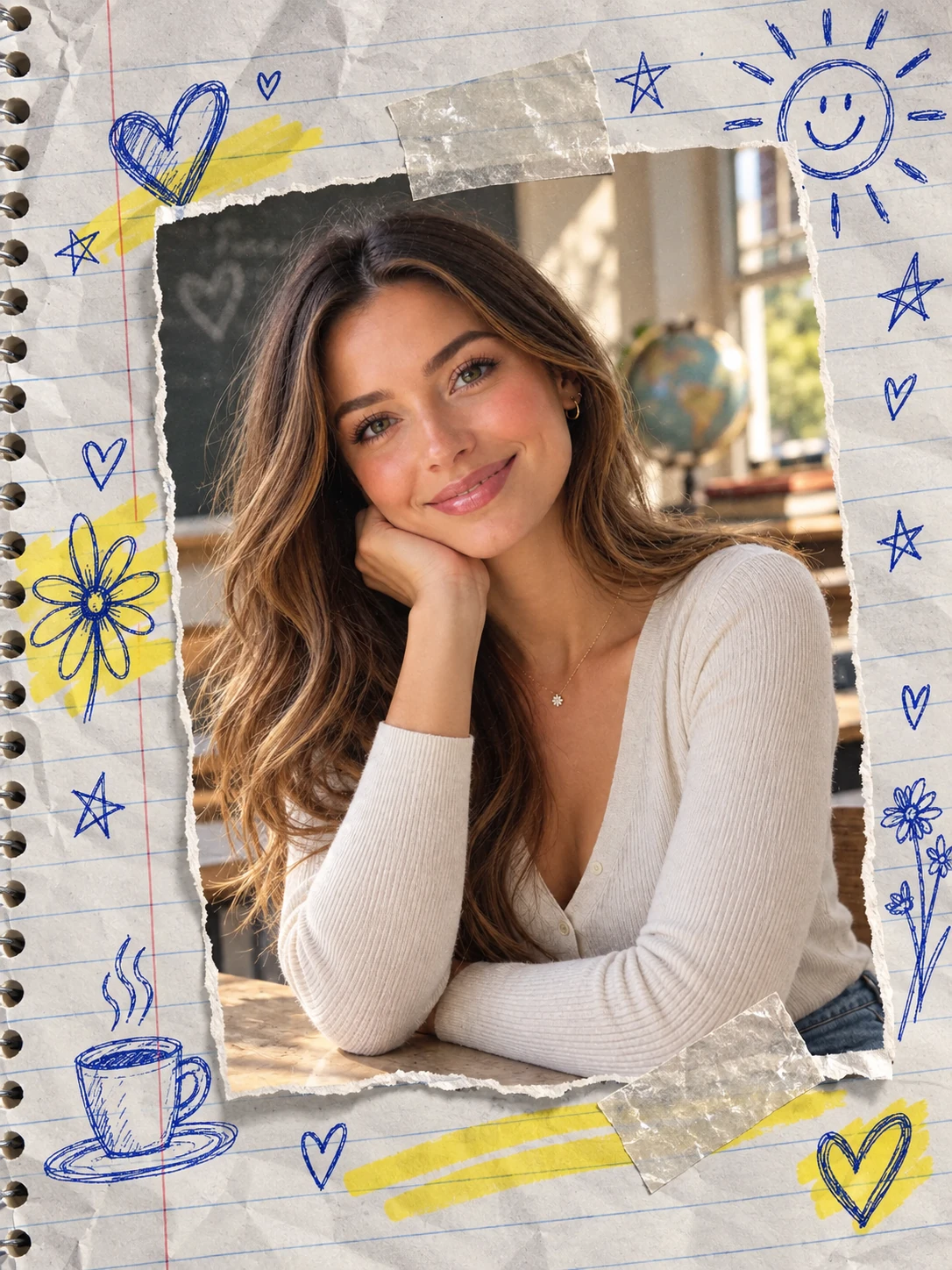
Turn one portrait or product photo into a layered collage with repeated frames, cohesive lighting, paper textures, tape shadows, film grain, and a polished Polaroid, scrapbook, moodboard, or magazine layout.
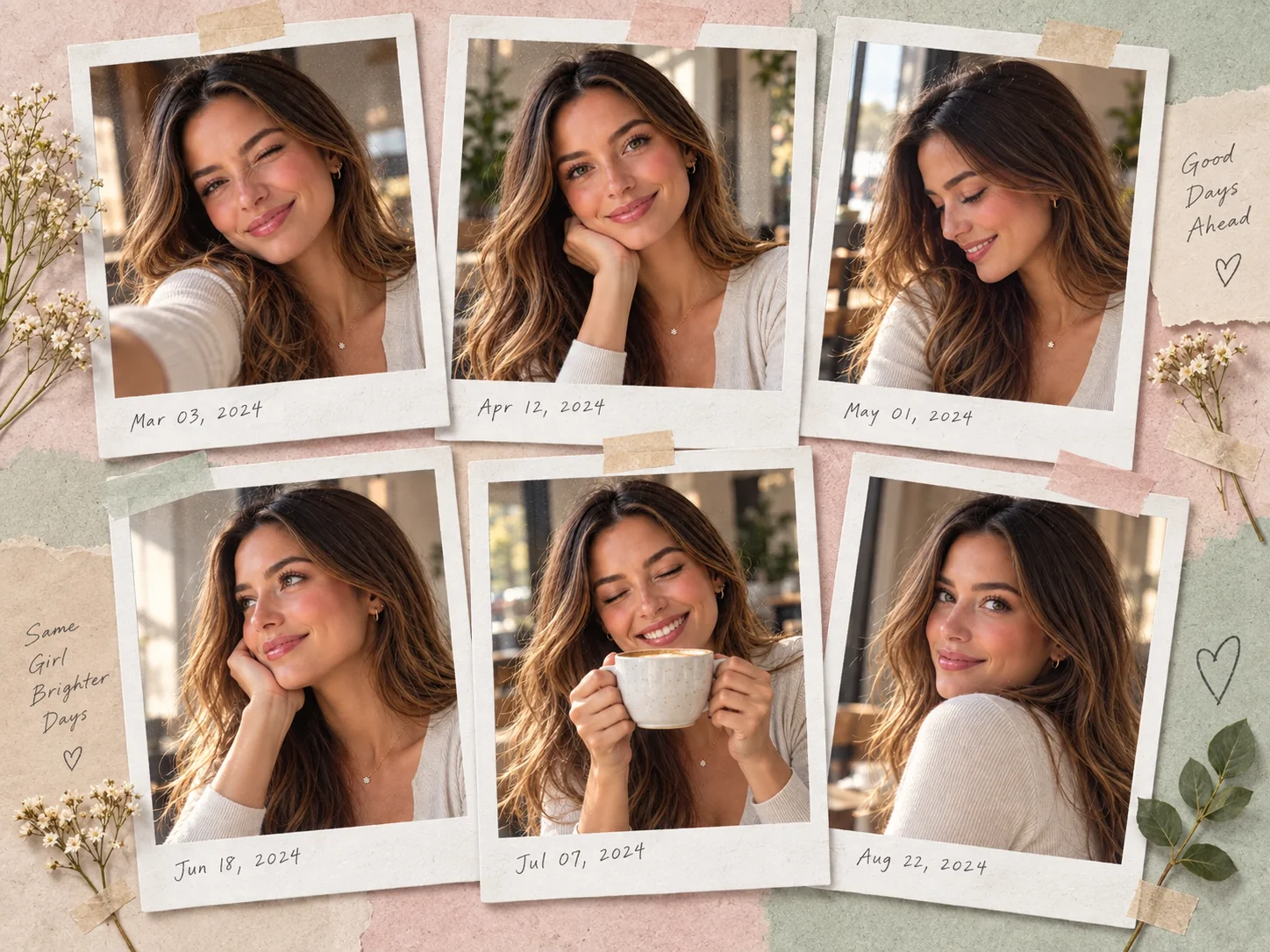
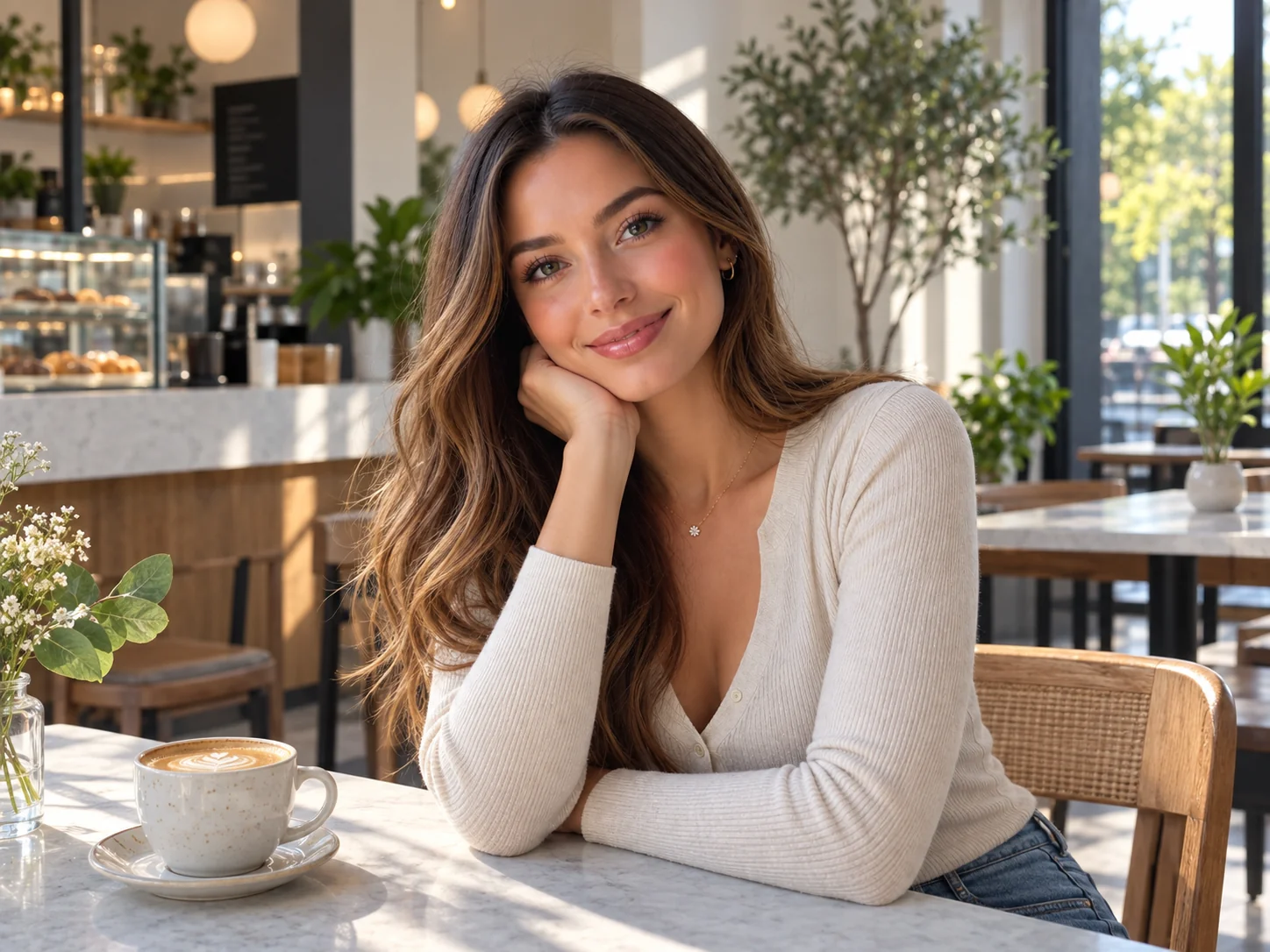
Photo Collage Prompt Examples
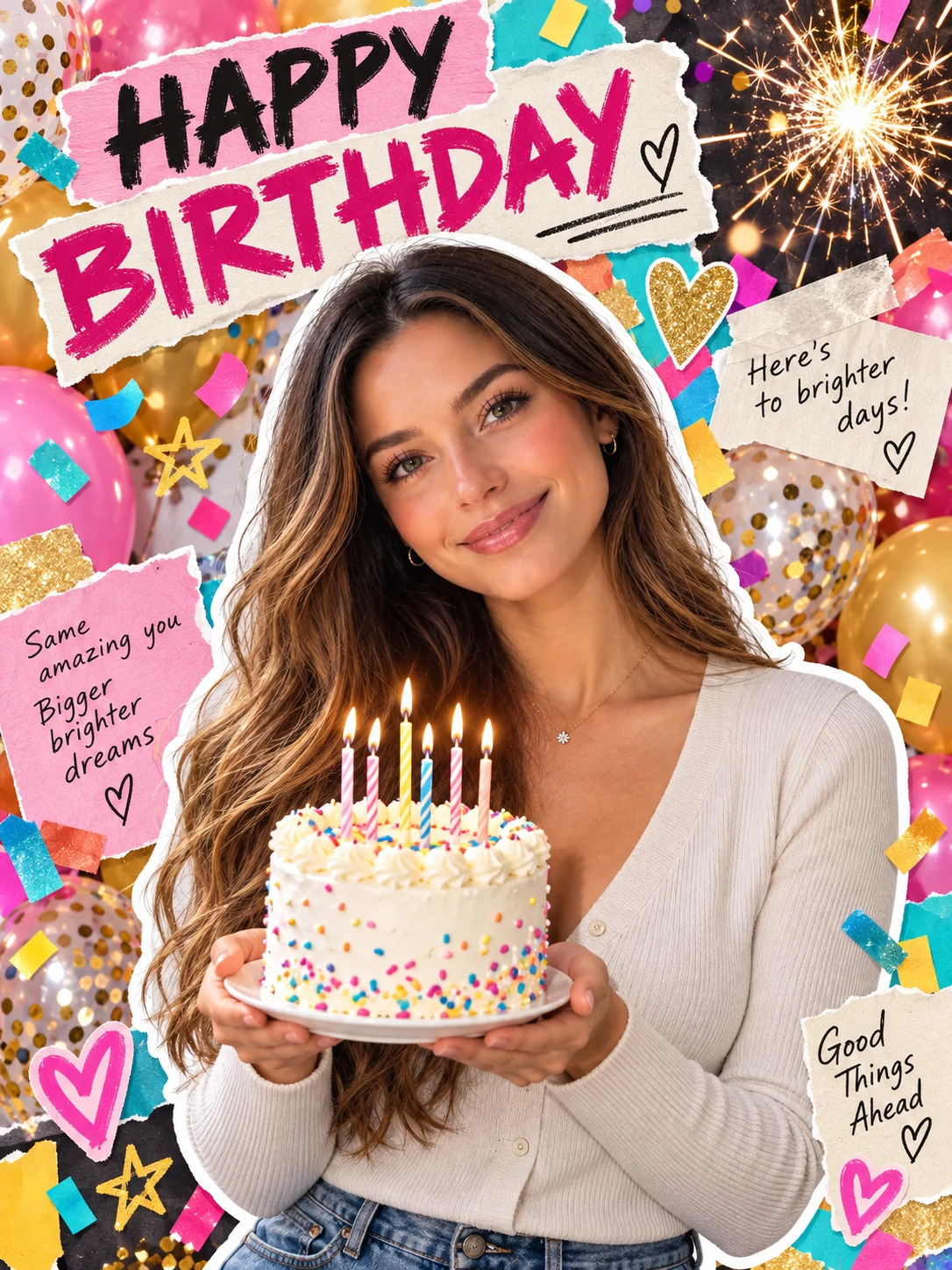
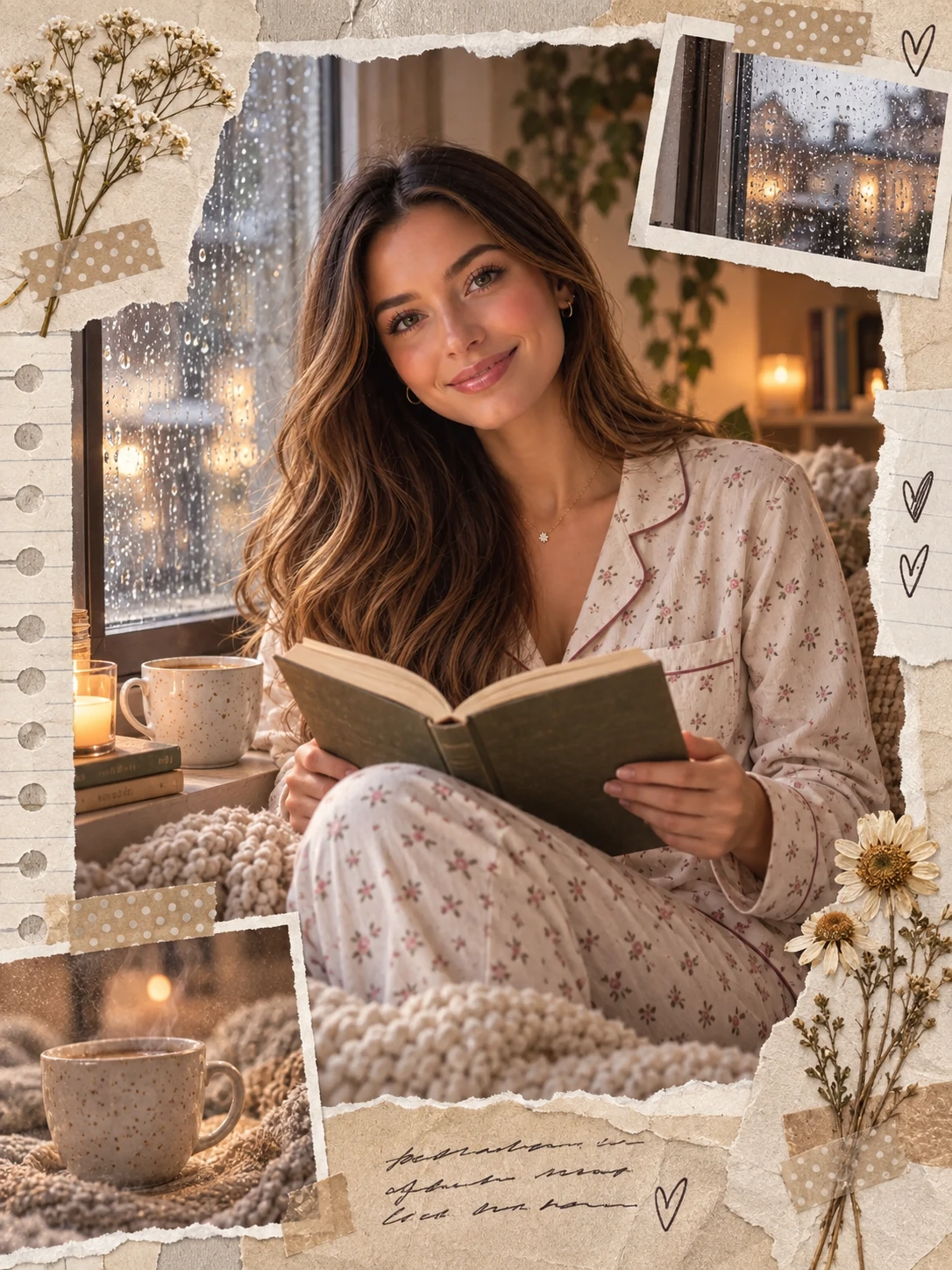
How to Use a Photo Collage Prompt
Choose a Collage Direction
Decide on a clear structure such as six Polaroid frames, a torn-paper scrapbook, a travel moodboard, a Y2K sticker collage, a film strip, or a clean editorial grid. Keep one palette and visual theme across every panel.
Upload a Photo and Customize the Prompt
Use a portrait or product image you have permission to edit. Specify the frame count, crop variety, border style, paper texture, tape or sticker details, lighting, typography, background, color palette, and final aspect ratio.
Generate, Compare, and Refine
Review subject consistency, frame spacing, layer order, shadows, text legibility, and overall balance. Change one detail at a time, then generate another version until the collage reads as one connected visual story.
Why Use a Photo Collage Prompt
Control the Full Multi-Frame Layout
Define the number of panels, borders, spacing, crop rhythm, paper materials, stickers, type treatment, and negative space in one visual brief. A specific structure helps each frame support the same composition.
Keep the Subject and Lighting Consistent
Pair an authorized reference photo with stable identity, outfit, color, and lighting instructions. The subject can appear in candid smiles, side profiles, or detail crops while the collage still feels like one coordinated shoot.
Switch Between Popular Collage Styles
Rework the same photo into Polaroid grids, scrapbooks, Y2K sticker pages, film strips, travel moodboards, magazine covers, or dark four-photo stories by changing the materials, palette, and layout language.
Who Uses AI Prompt?
Image Creators and Designers
Find prompts for portraits, products, illustrations, posters, social graphics, concept art, and other image workflows. Adapt composition, color, material, typography, and visual style for each project.
Video Creators and Storytellers
Build prompts for cinematic shots, short clips, product videos, character movement, camera paths, and scene transitions. Clarify what happens over time instead of describing only a still frame.
Marketing and Content Teams
Turn campaign themes, product messages, seasonal events, and trending topics into repeatable visual briefs. Customize prompt templates for ads, landing pages, social posts, and editorial content.
FAQs About Photo Collage Prompts
Create a Photo Collage Prompt with AI Prompt
Upload a portrait or product photo, choose a Polaroid, scrapbook, moodboard, film-strip, or editorial direction, and build a layered collage ready to refine and share.