
Pose Prompts for Natural Photo Poses
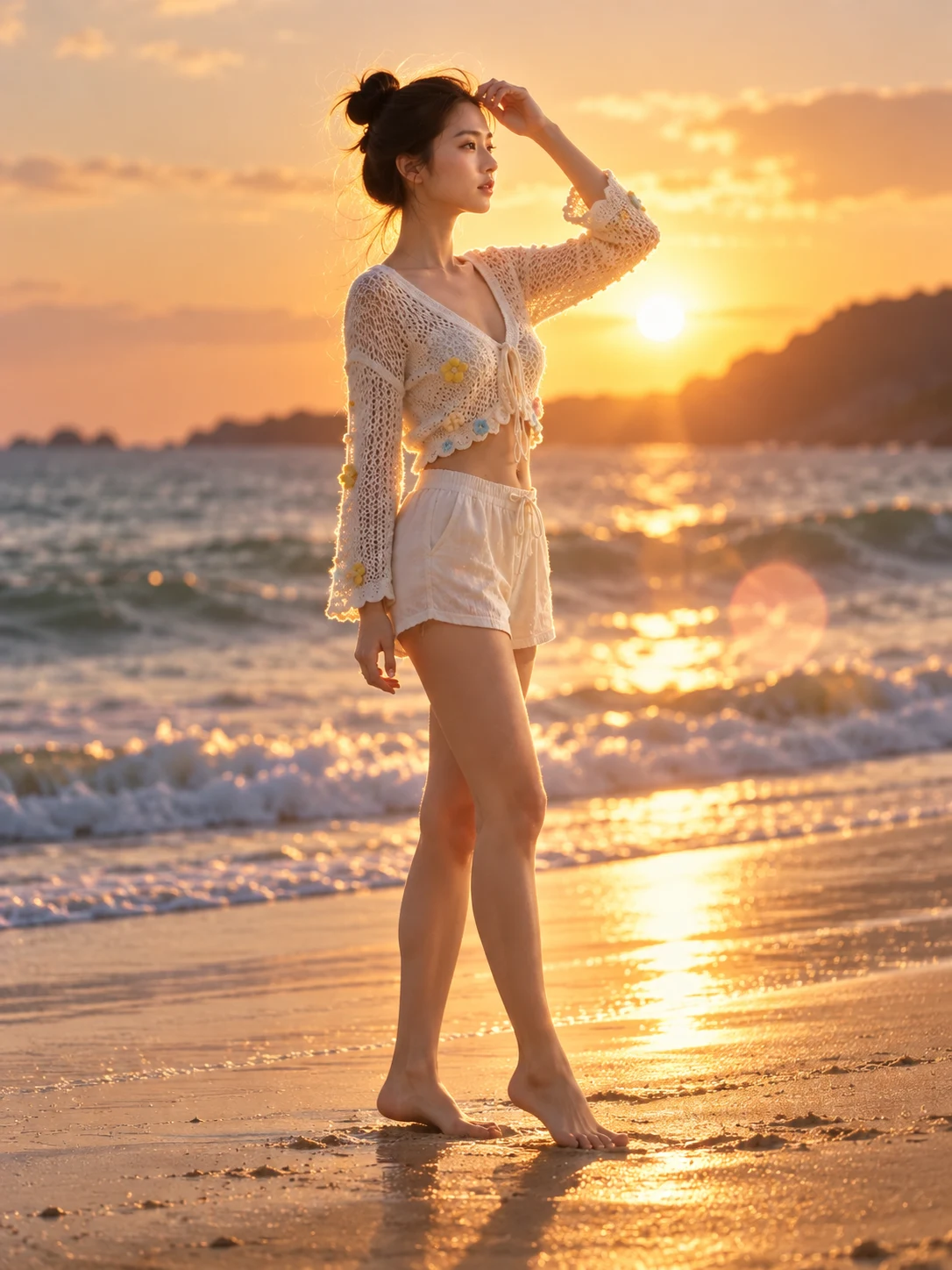
Turn a familiar portrait into a confident runway stance, a relaxed seated shot, or a lively mid-jump moment. Keep the same face and outfit while the new body position, hands, and camera angle look natural.
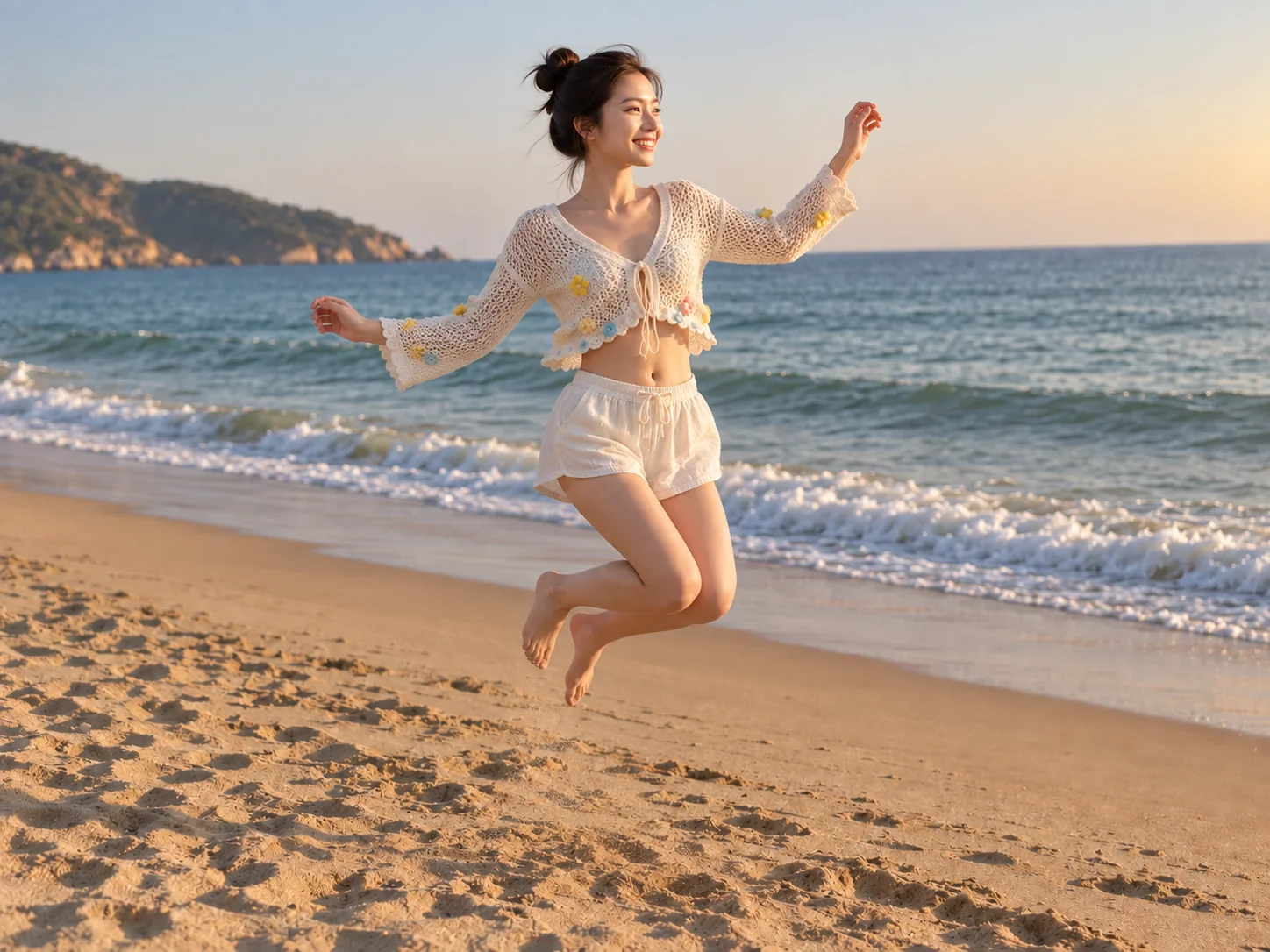
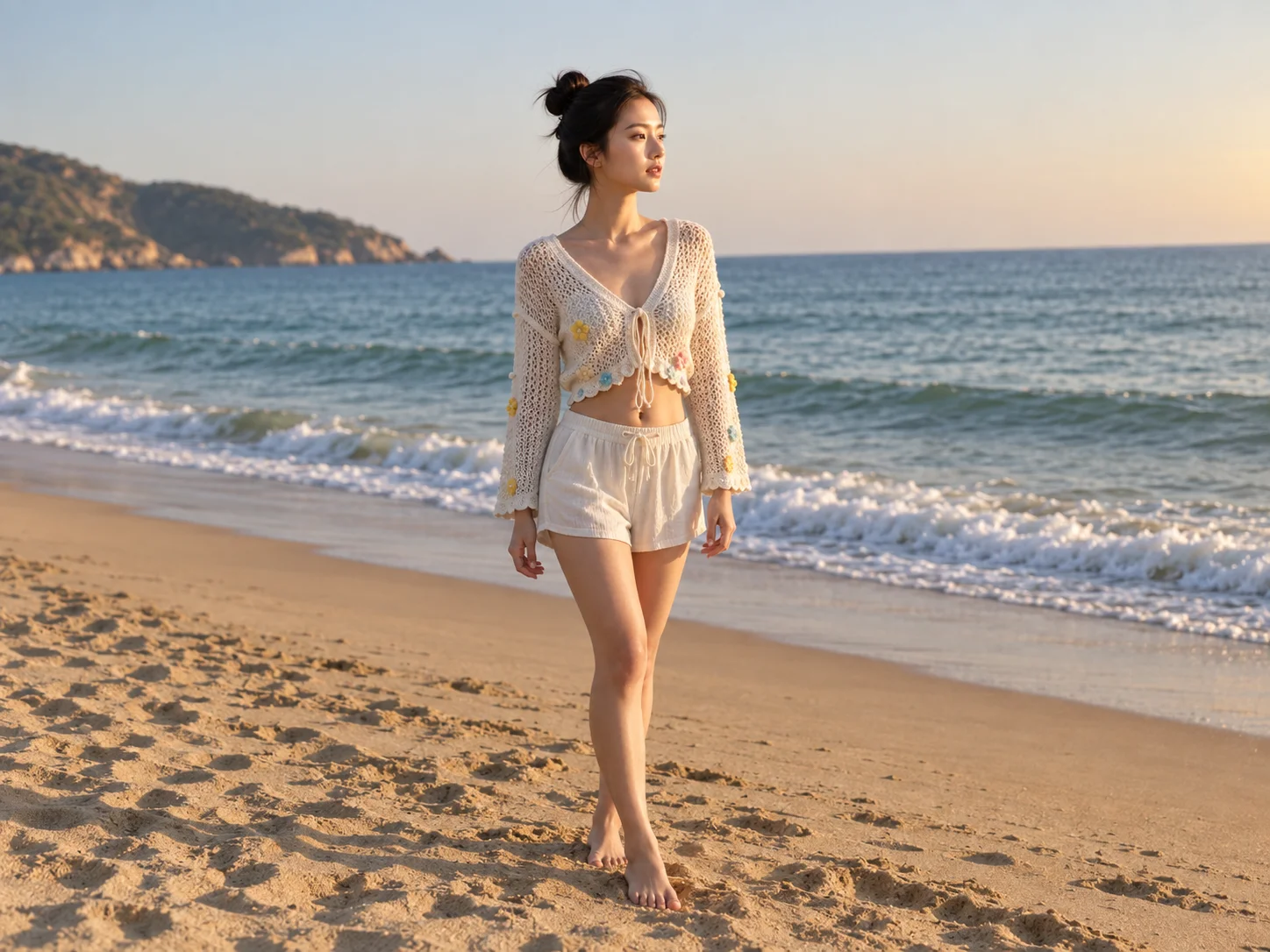
Best Pose Prompts & Examples
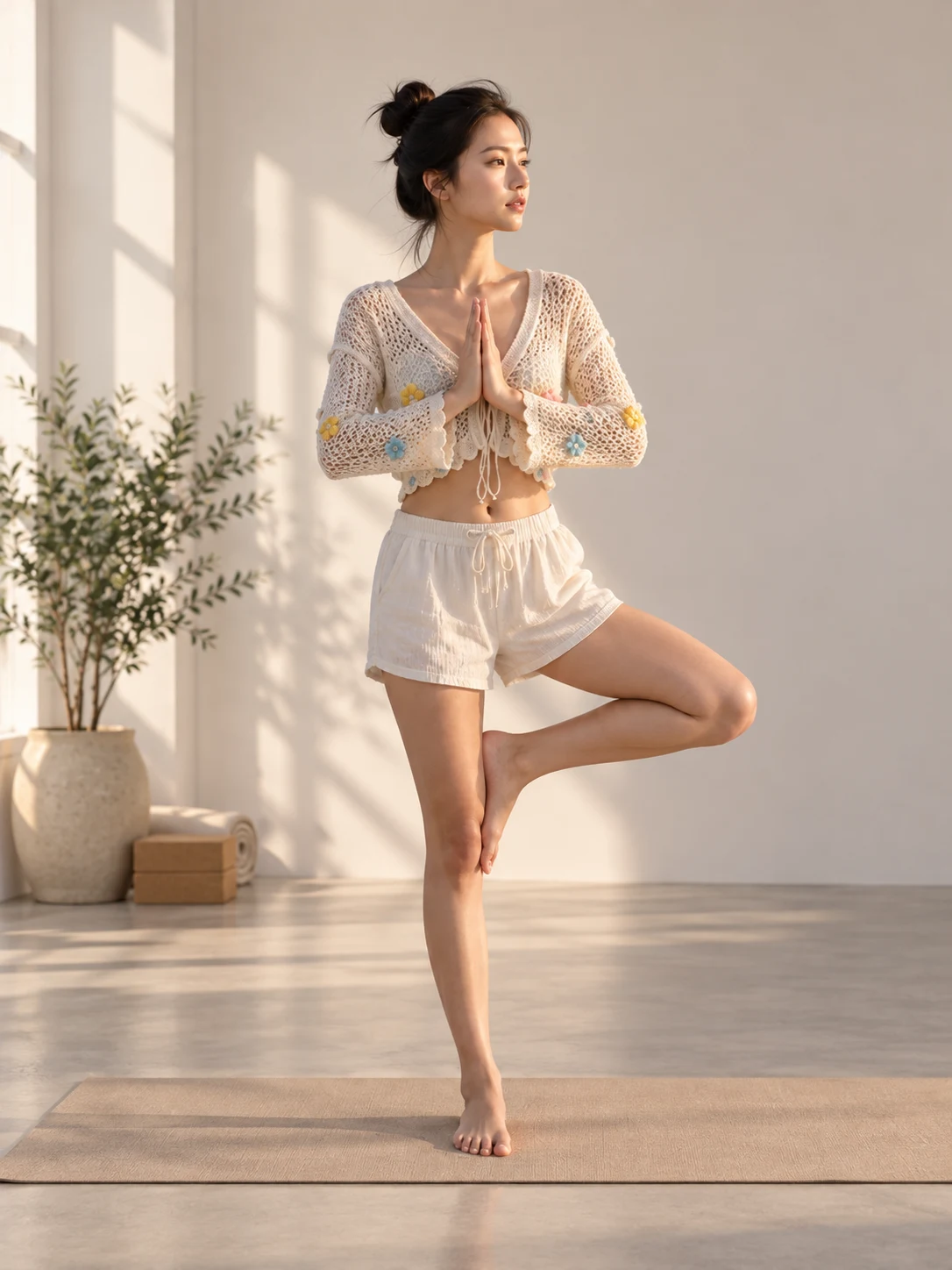
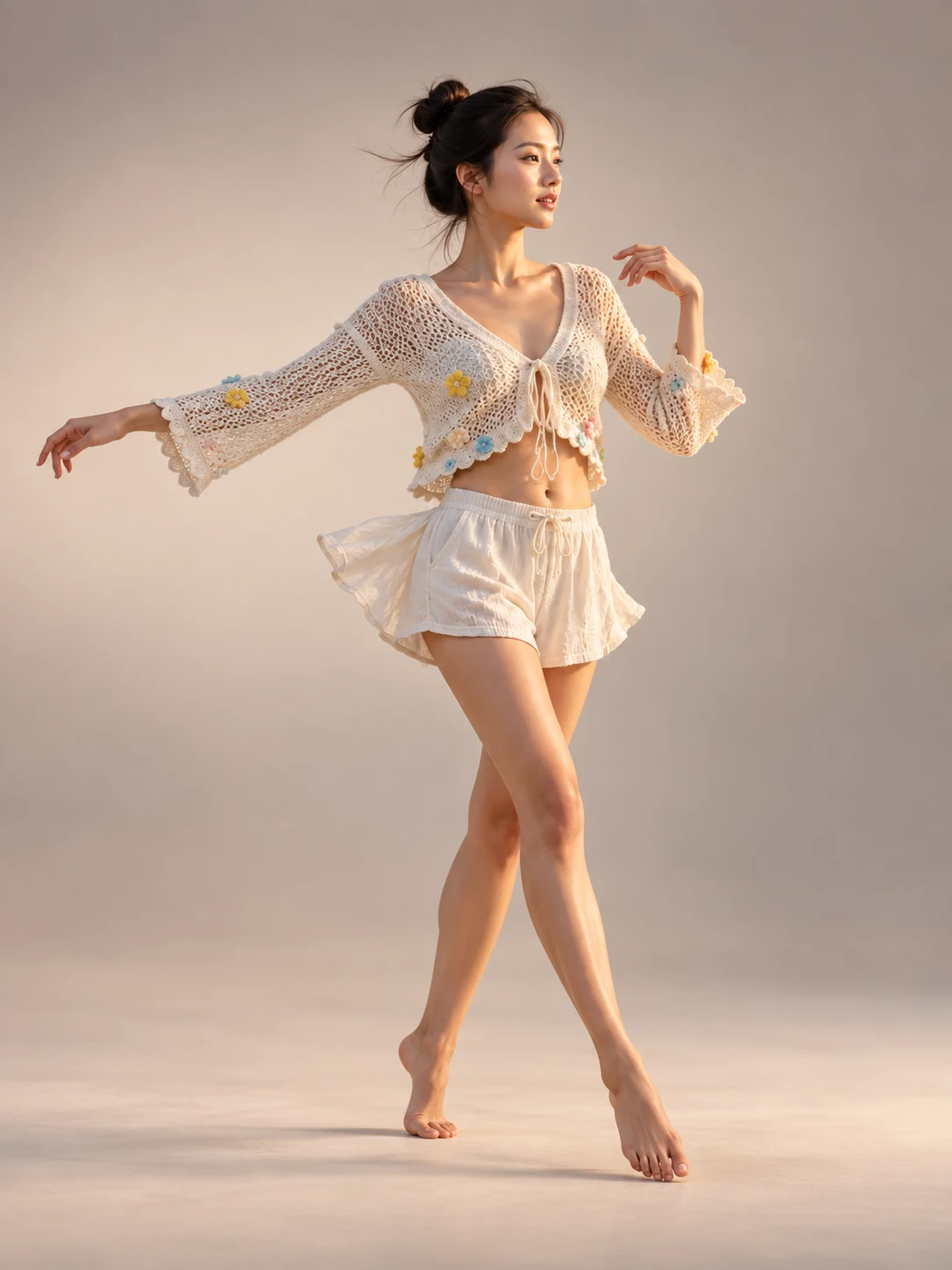
How to Use Pose Prompts
Upload a Portrait
Add a clear single-person or couple photo so the generator can use the existing face, hairstyle, and outfit as a reference.
Describe the New Pose
Write one clear pose with details for arms, hands, feet, gaze, camera angle, and full-body or half-body framing. Adjust the prompt for a standing, seated, or action shot.
Generate and Review
Generate the photo, then check the face, fingers, shoulders, and overall proportions. Refine one pose detail and try again when a limb or gesture looks unnatural.
Why Use Pose Prompts for Photo Editing?
New Poses Without a New Photoshoot
Explore runway stances, casual seated portraits, and mid-action frames from one starting photo. Change the pose and framing to suit a profile, portfolio, or social post.
Recognizable People and Outfits
Use the uploaded portrait as a reference for the same face, hairstyle, and clothing while testing a different body position. This is useful for both individual and couple photos.
More Control Over Natural Anatomy
Describe hand placement, foot position, gaze, and camera angle in the prompt. Review the result and refine small details so the gesture and proportions feel believable.
Who Uses AI Prompt?
Image Creators and Designers
Find prompts for portraits, products, illustrations, posters, social graphics, concept art, and other image workflows. Adapt composition, color, material, typography, and visual style for each project.
Video Creators and Storytellers
Build prompts for cinematic shots, short clips, product videos, character movement, camera paths, and scene transitions. Clarify what happens over time instead of describing only a still frame.
Marketing and Content Teams
Turn campaign themes, product messages, seasonal events, and trending topics into repeatable visual briefs. Customize prompt templates for ads, landing pages, social posts, and editorial content.
FAQs About Pose Prompts
Try Pose Prompts on Your Photo
Use AI Prompt to explore a new standing, seated, or action pose while keeping your portrait recognizable.