
Note: Auto only supports 1K. 1:1 does not support 4K.
Retro Photo Prompt Generator
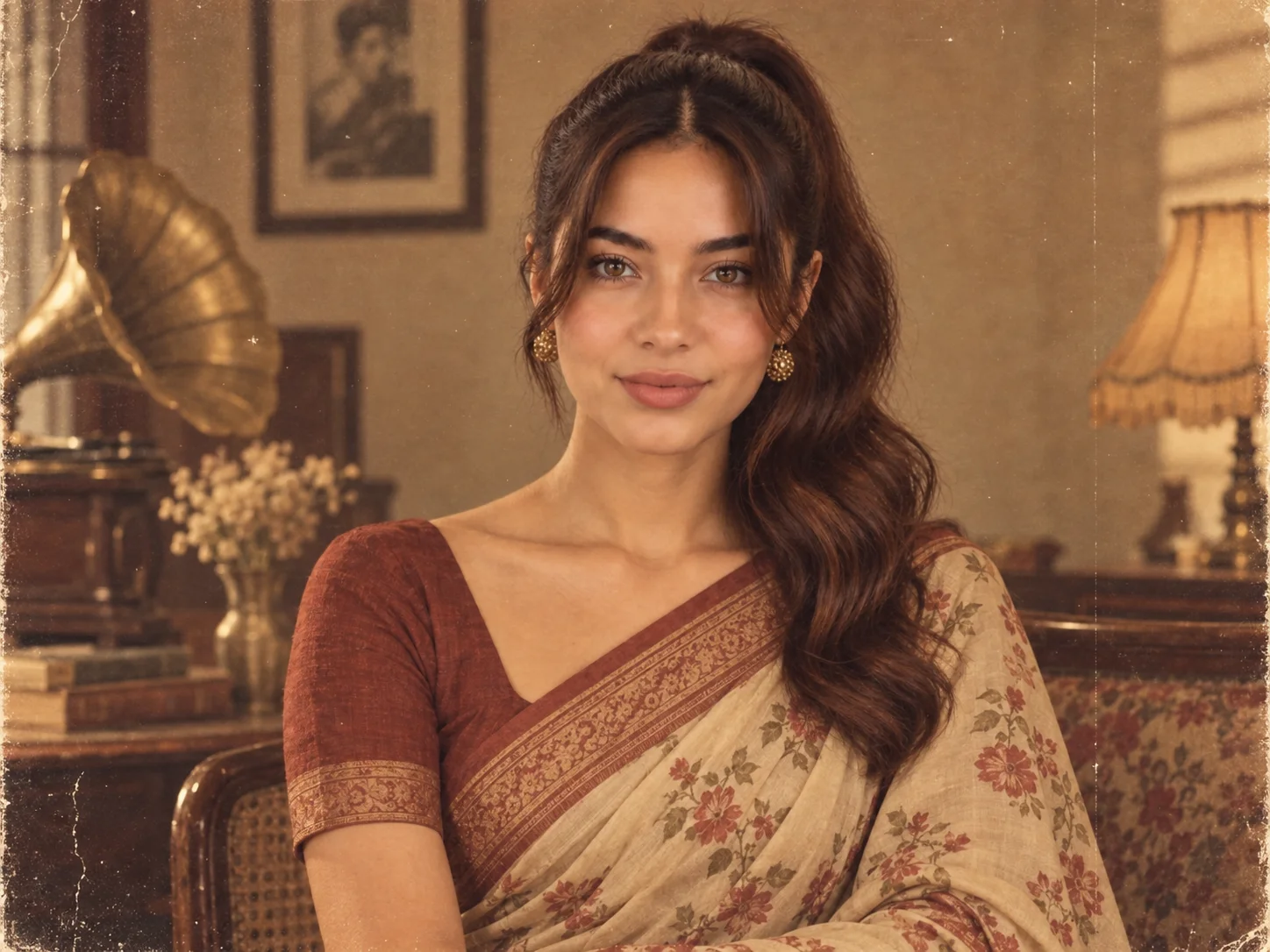
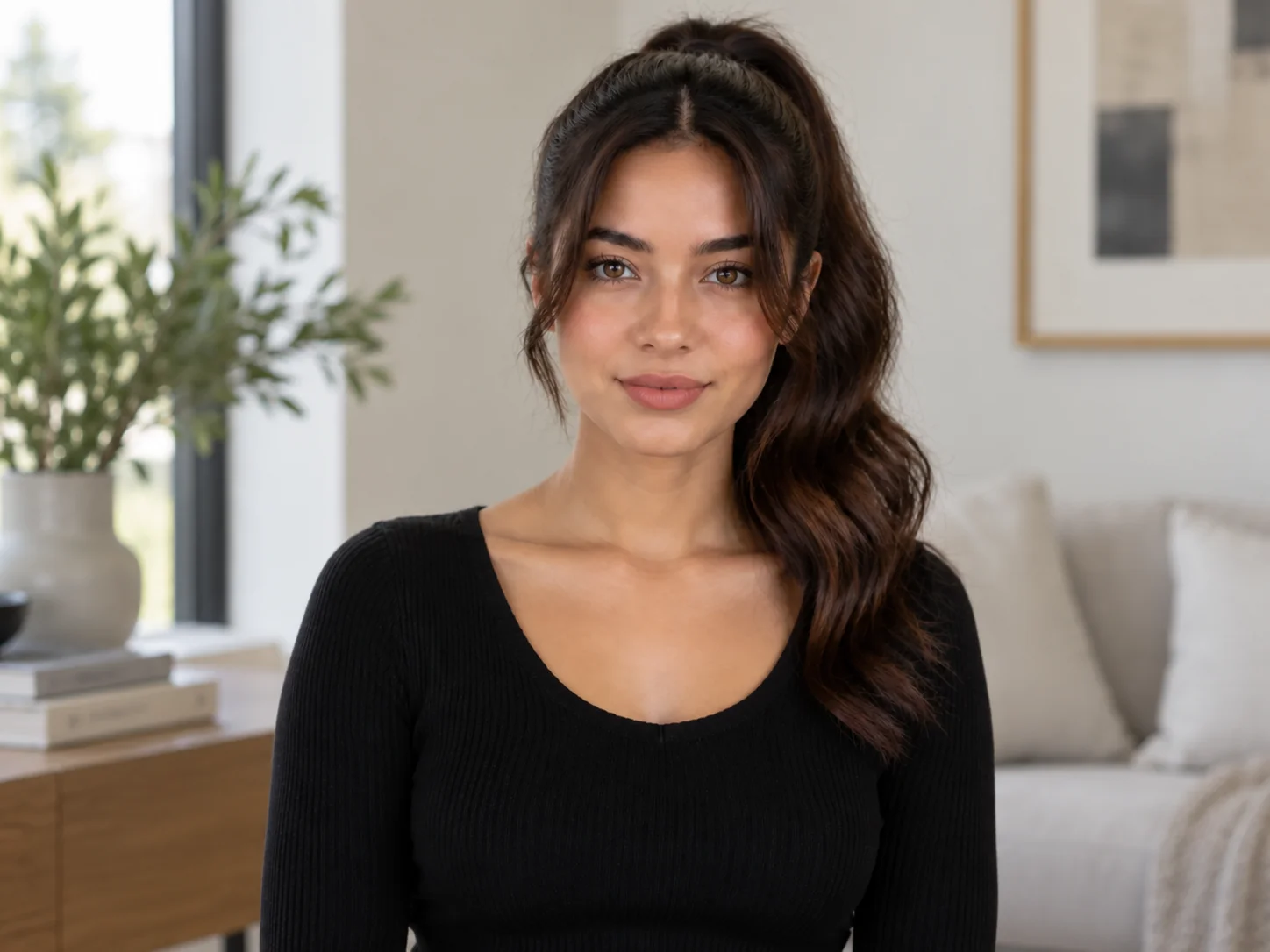
Reimagine a portrait as a 1920s sepia scene, 1970s disco shot, 1980s neon look, or 1990s film edit. Build the era with period styling, faded color, halation, and analog grain while keeping the subject recognizable.
How to Use a Retro Photo Prompt
Choose a Decade and Mood
Start with a clear era such as 1920s sepia, 1970s disco, 1980s neon, or 1990s grunge. Decide whether the image should feel candid, cinematic, glamorous, or intimate.
Describe the Vintage Details
Write the subject, period clothing, setting, light, camera look, composition, and film texture. Add a permitted reference photo when facial identity or pose matters.
Generate and Review the Result
Create the image and check facial likeness, hands, clothing details, grain, and color balance. Refine one detail at a time to compare stronger variations.
Why Choose This Retro Photo Prompt Generator
Explore Distinct Decades
Move from sepia studio portraits and disco color to neon mall photography and 1990s grunge. Era-specific clothing, props, and composition make each result feel intentionally placed in time.
Shape an Authentic Film Look
Combine 35mm grain, muted color, soft flash, light leaks, halation, or a Polaroid border. These details create a layered analog finish instead of a generic old-photo filter.
Keep the Portrait Recognizable
Use a reference portrait to guide facial details, pose, and composition while changing the wardrobe, setting, and photographic era. Review the likeness and refine the wording when needed.
Who Uses AI Prompt?
Image Creators and Designers
Find prompts for portraits, products, illustrations, posters, social graphics, concept art, and other image workflows. Adapt composition, color, material, typography, and visual style for each project.
Video Creators and Storytellers
Build prompts for cinematic shots, short clips, product videos, character movement, camera paths, and scene transitions. Clarify what happens over time instead of describing only a still frame.
Marketing and Content Teams
Turn campaign themes, product messages, seasonal events, and trending topics into repeatable visual briefs. Customize prompt templates for ads, landing pages, social posts, and editorial content.
FAQs About Retro Photo Prompts
Create a Retro Photo
Turn your idea into a vintage portrait with period styling, analog film texture, and nostalgic light.