
Travel Photo Prompt Generator for Destination Portraits
Turn a familiar portrait into a travel scene set beside a city landmark, coastal overlook, or mountain village. Keep the person recognizable while shaping believable daylight, clothing, and cinematic composition.
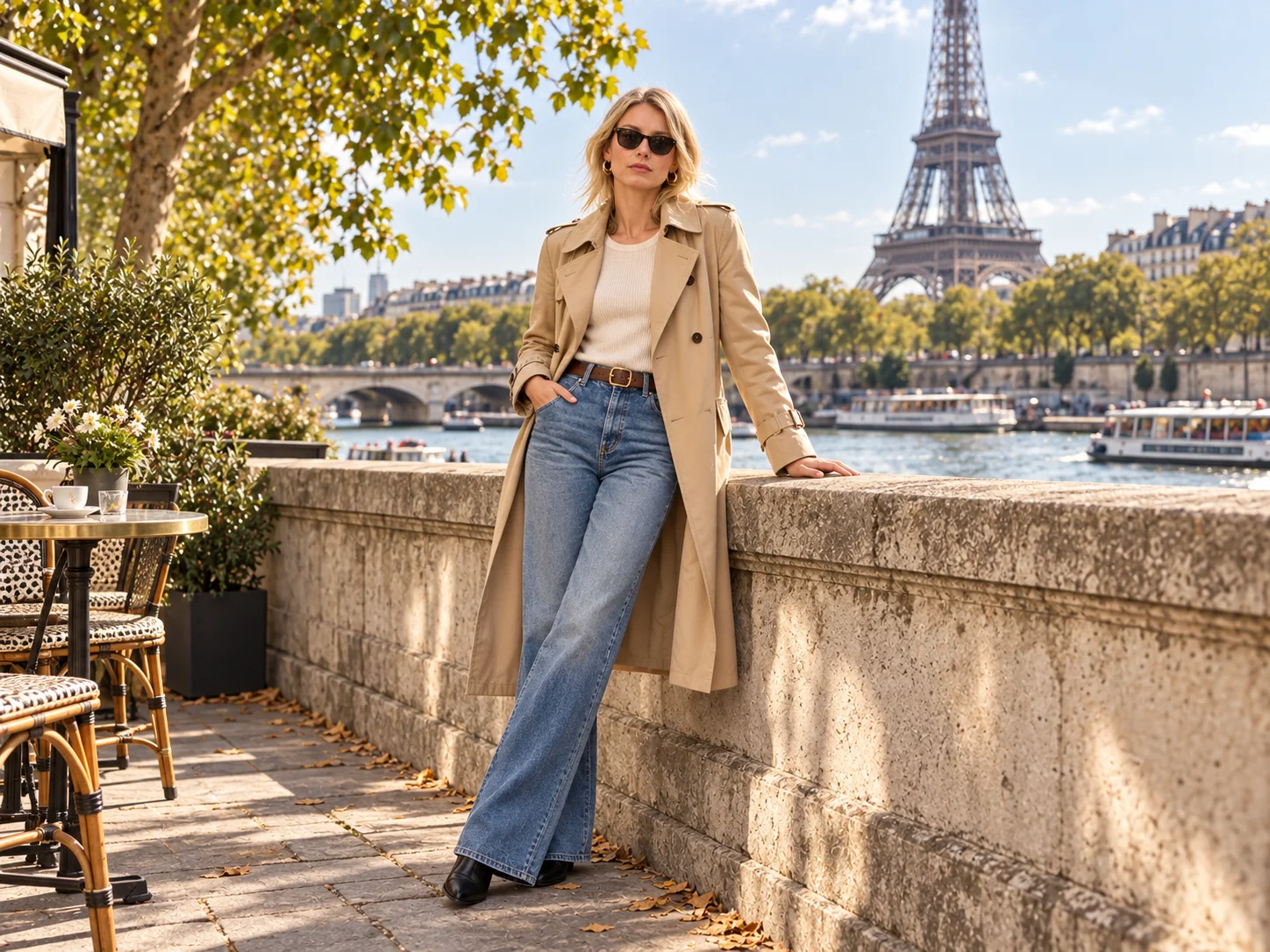
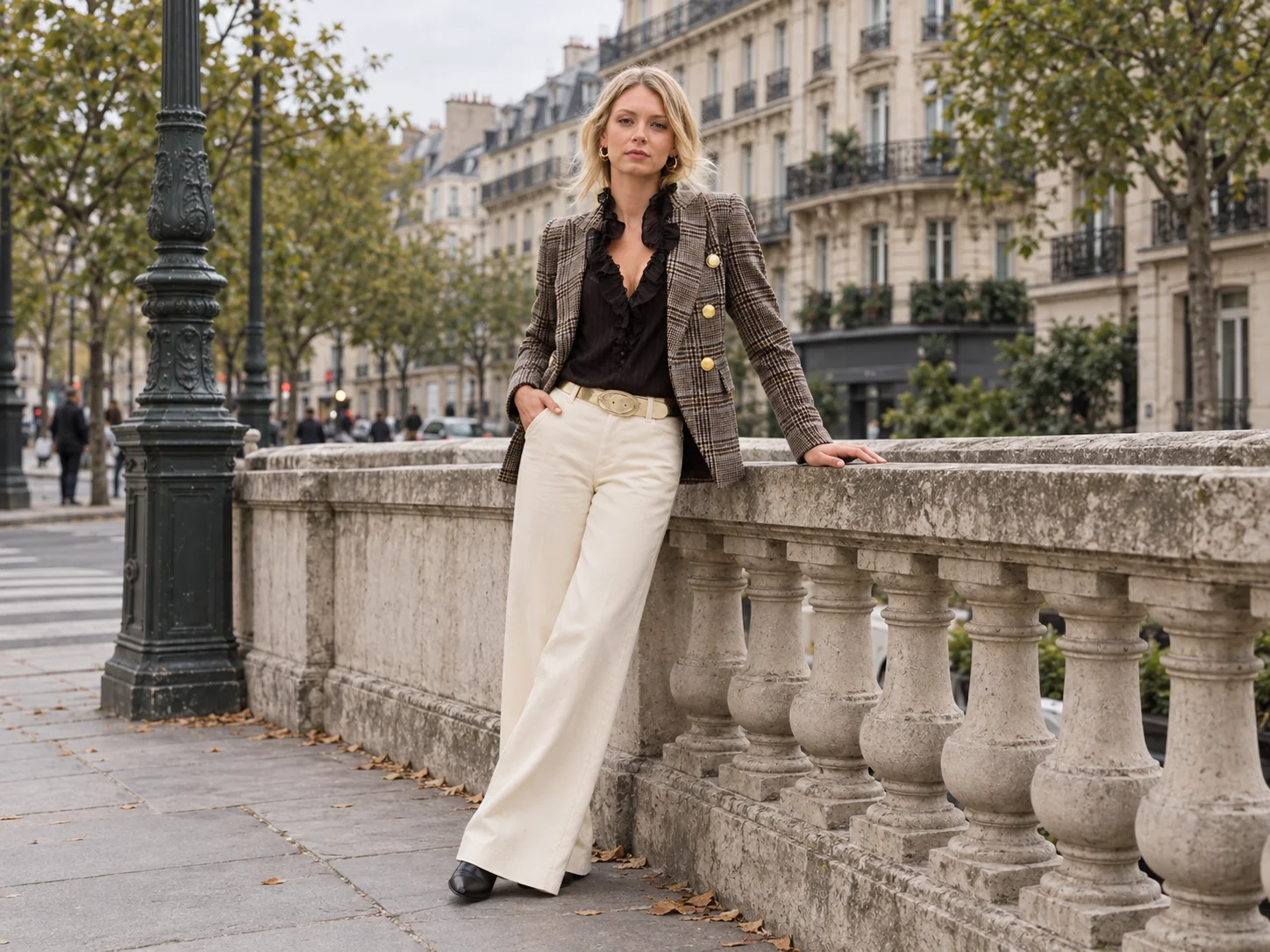
Best Travel Photo Prompt Ideas & Examples
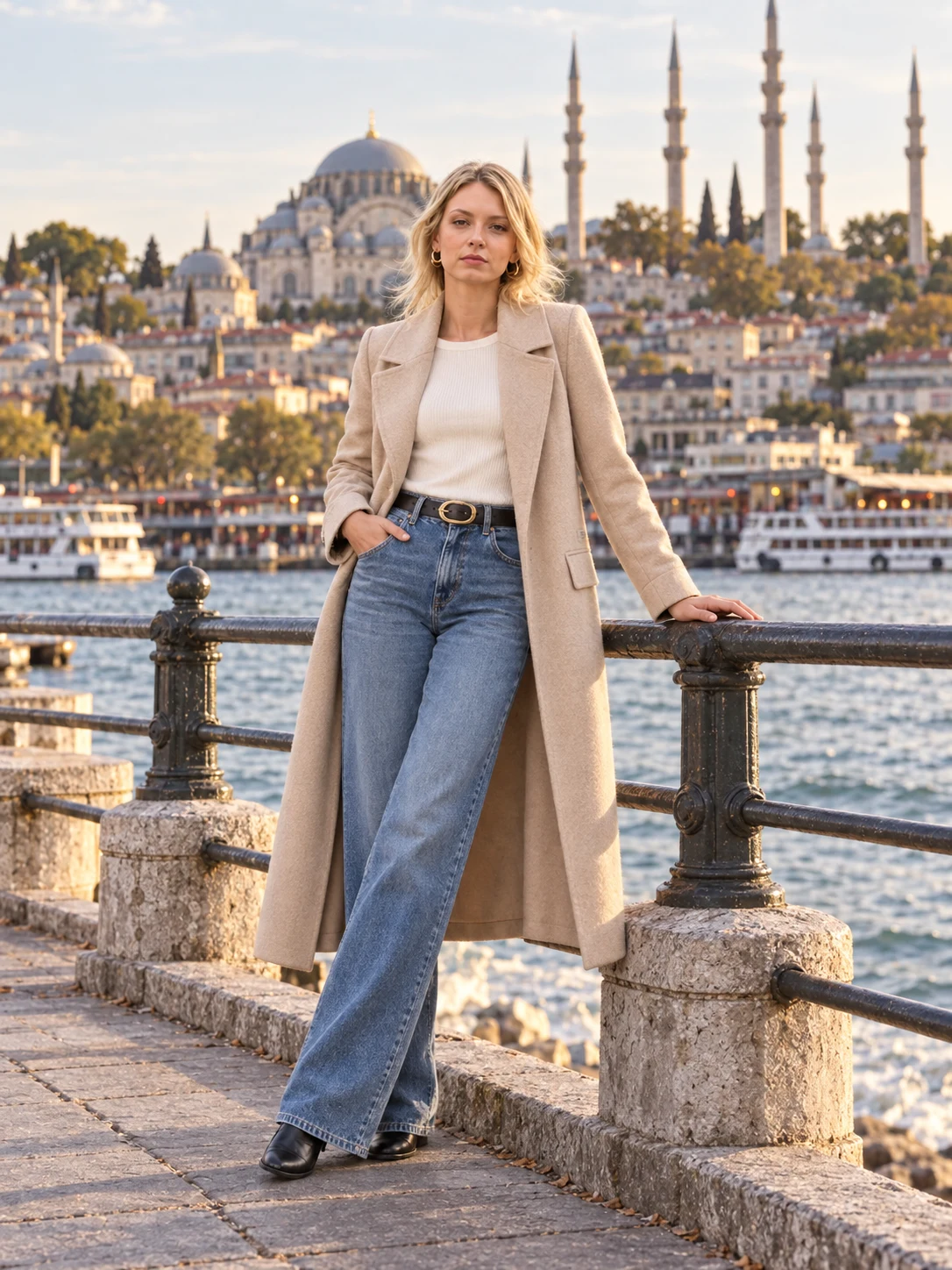
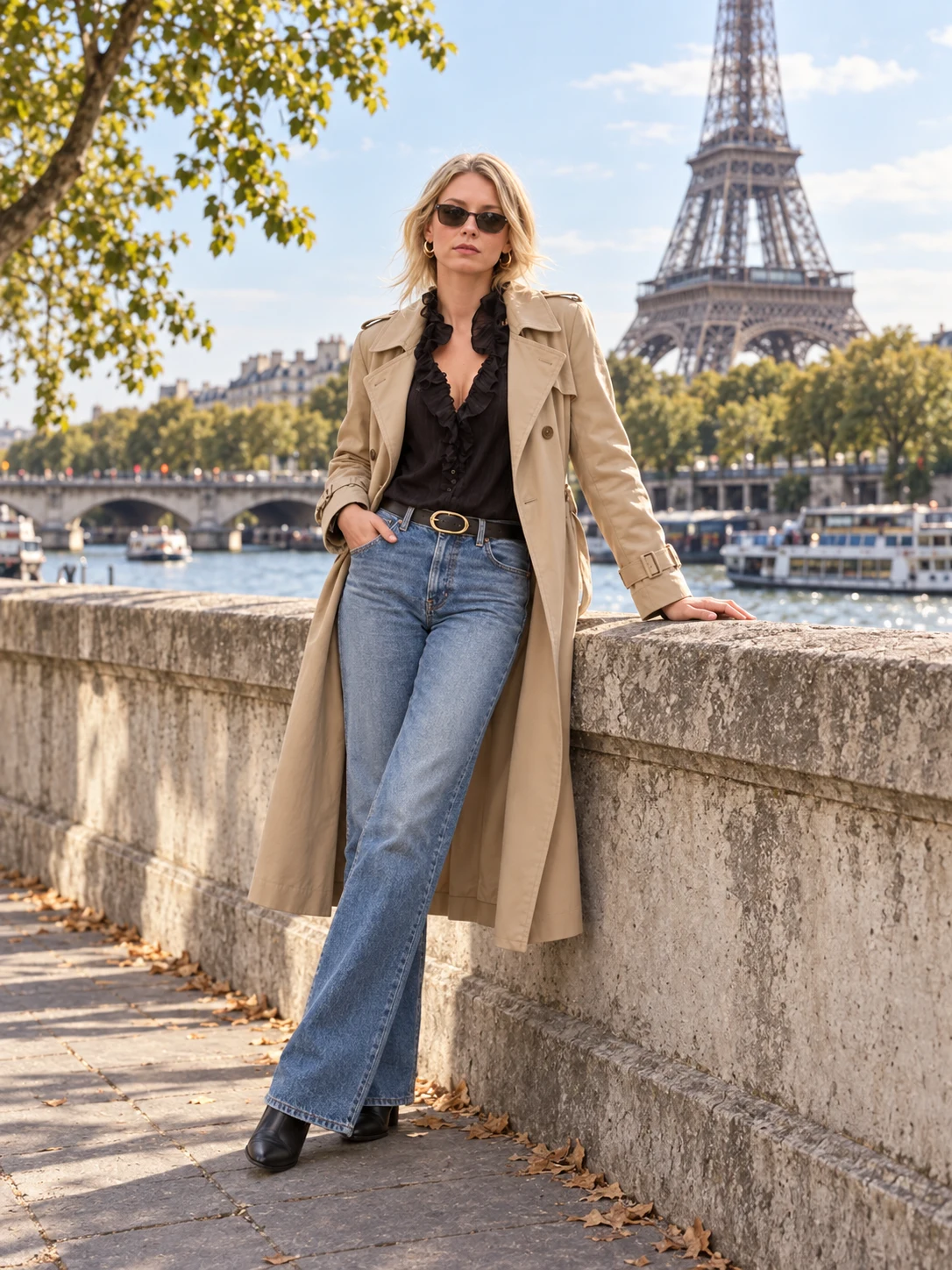

How to Create a Travel Photo with a Prompt
Upload Your Portrait
Choose a clear selfie or portrait with visible facial details. The reference helps keep the traveler recognizable in the new scene.
Describe the Destination
Edit the travel photo prompt with a landmark or landscape, outfit, time of day, lighting, and camera framing that fit your photo.
Generate and Refine
Generate your travel portrait, review the face and scene details, then revise the prompt if shadows, clothing, or framing need adjustment.
Why Use a Travel Photo Prompt?
Keep the Traveler Recognizable
Describe the facial features and natural skin texture you want to retain while changing the setting, so the new portrait stays connected to your original photo.
Explore Distinct Destinations
Swap a riverside landmark for a beach, historic street, or mountain overlook. Adapt the clothes and pose to make each destination feel coherent.
Direct a Natural Travel Look
Specify daylight direction, realistic shadows, lens feel, and framing to move from a casual trip snapshot to a polished editorial portrait.
Who Uses AI Prompt?
Image Creators and Designers
Find prompts for portraits, products, illustrations, posters, social graphics, concept art, and other image workflows. Adapt composition, color, material, typography, and visual style for each project.
Video Creators and Storytellers
Build prompts for cinematic shots, short clips, product videos, character movement, camera paths, and scene transitions. Clarify what happens over time instead of describing only a still frame.
Marketing and Content Teams
Turn campaign themes, product messages, seasonal events, and trending topics into repeatable visual briefs. Customize prompt templates for ads, landing pages, social posts, and editorial content.
Travel Photo Prompt FAQ
Create Your Next Travel Portrait
Start with a travel photo prompt, choose a destination, and shape a portrait with recognizable features and natural scene details.